


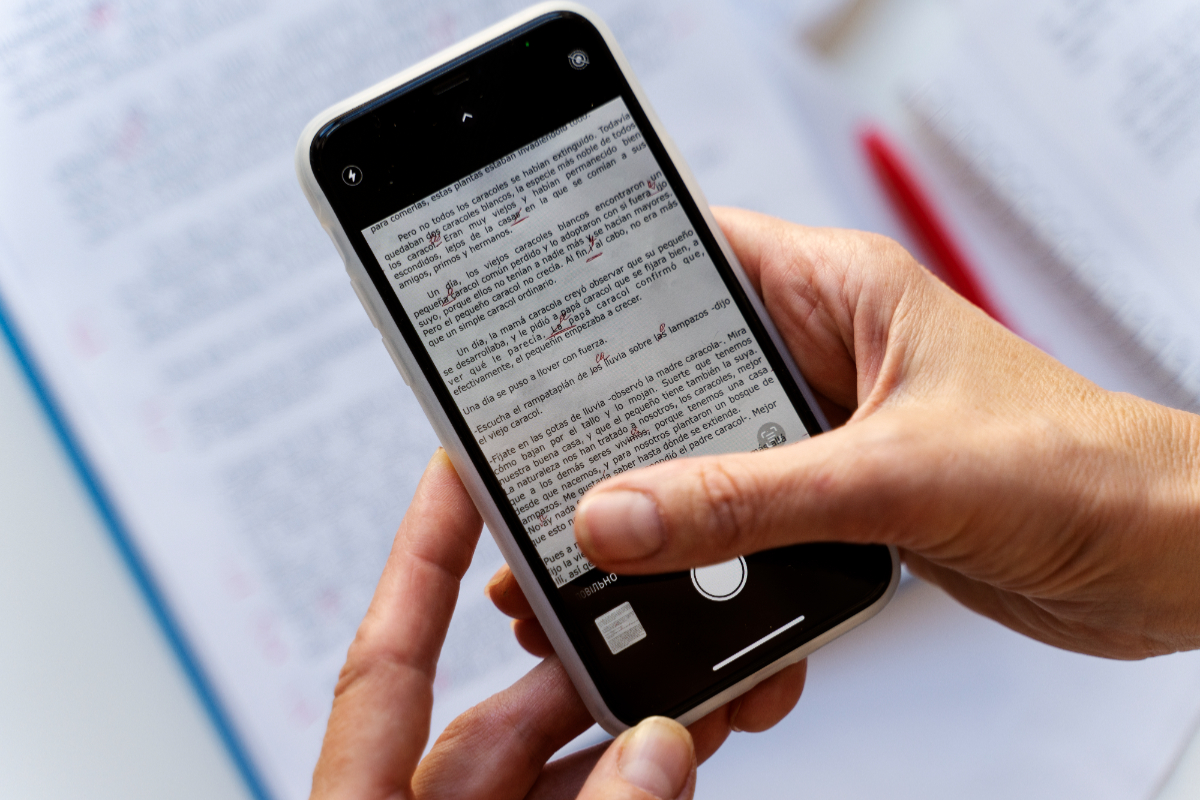
Android users who regularly handle documents often need more than just a basic file viewer. The choice of PDF app can shape how easily a phone handles reading, note-taking, editing, and even signing documents.
That is why the difference between a lightweight reader and a feature-rich tool matters. Some apps are built for speed and simplicity, while others are designed to support more complete document work in one place.
For users who want the most complete set of tools
Adobe Acrobat Reader remains the most familiar name in this category. It is not limited to opening PDF files, because it also supports editing, commenting, and digital signatures.
That makes it the strongest option for users who work with PDFs in a more active way. When a document needs review, annotation, or signing, this app offers the broadest functionality among the options mentioned.
When annotation is the priority
Xodo PDF Reader is appealing for users who often add notes to documents. It is known for being fast and for offering a strong set of annotation tools.
This makes it suitable for reading while commenting at the same time. For users who review materials frequently and need to mark up pages without switching apps, Xodo has a clear practical edge.
Apps that cover more than PDF
WPS Office takes a different approach by combining several document formats in one app. It can open PDF, Word, Excel, and PPT files, which makes it useful for users who work across multiple file types.
That broader support reduces the need to install separate apps for each document format. It is a practical choice for people who want one tool for everyday office files, not just PDFs.
The lightweight options for simpler needs
Foxit PDF Reader is often chosen for its lighter footprint and quick operation. It is also considered suitable for opening large PDF files without major issues.
MuPDF goes even further in simplicity. It is presented as a very light option for lower-spec devices, especially for users who care most about speed and storage efficiency.
Google PDF Viewer also belongs in the efficient category. Its focus stays on reading PDFs, which makes it a fit for users who do not need extra features.
No extra app required in some cases
Google Drive can also open PDFs through its built-in viewer. This is useful for anyone who only wants to check a document quickly without adding another app to the phone.
That approach is especially practical for Android users who already store files in Drive. The document can be opened directly from a service they are already using.
Which one stands out most depends on the need
The answer changes based on what matters most on the phone. Adobe Acrobat Reader is the most complete choice because it brings reading, editing, commenting, and digital signing together in one app.
For lighter devices, MuPDF and Google PDF Viewer are more efficient. Foxit PDF Reader sits between those two priorities with a balance of lightness and speed, while Xodo PDF Reader is better for annotation and WPS Office is useful when PDFs are only one part of a broader document workflow.