


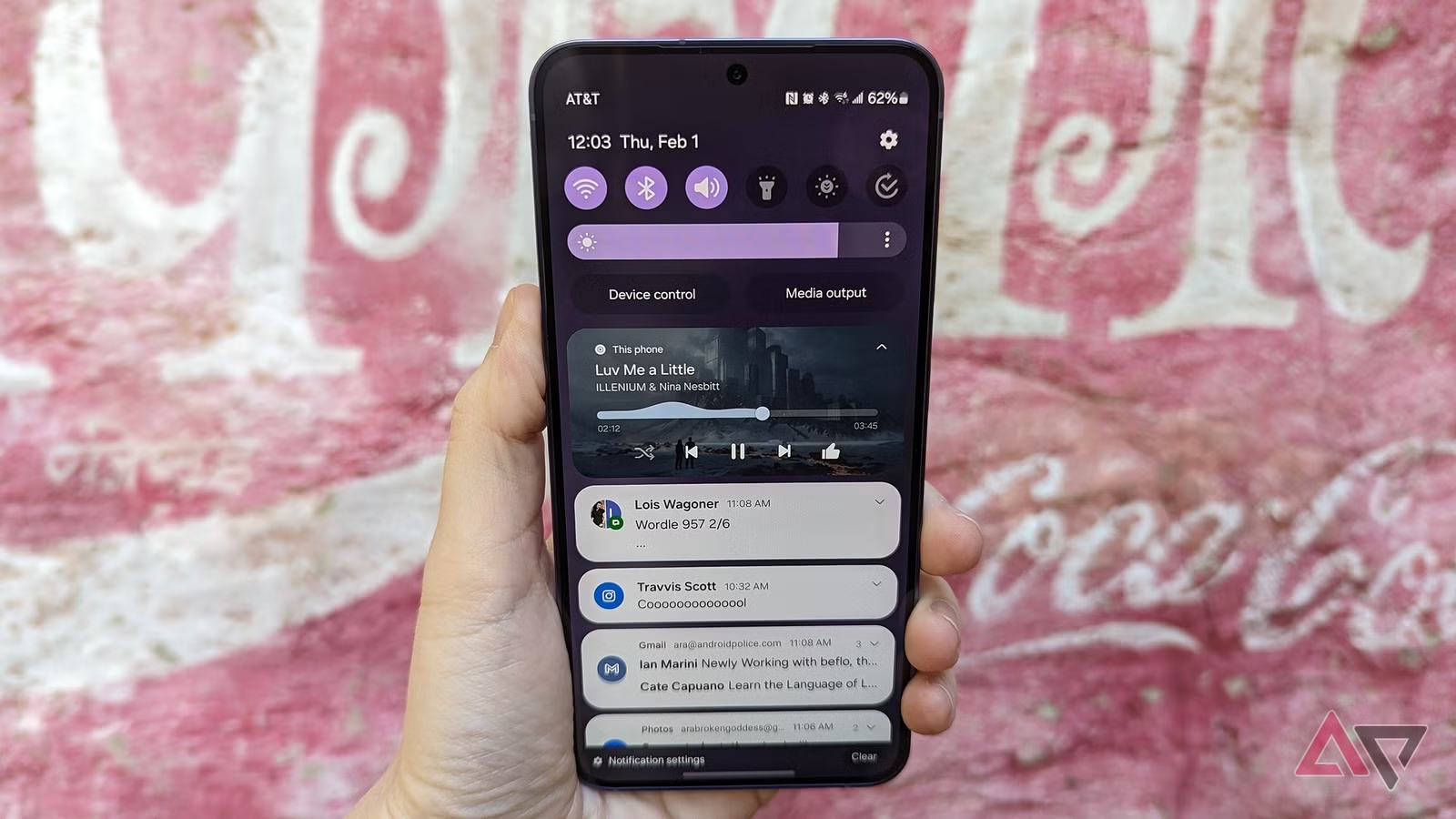
Android 17 appears ready to make one of Android’s most awkward media gestures noticeably less frustrating. The update is reported to introduce a redesigned Now Playing bar that makes switching between recently used audio and video sources easier to understand and harder to misfire.
The change focuses on a familiar pain point for people who jump between music, podcasts, audiobooks, and videos on the same phone. Instead of relying on the old swipe-based selector, the new layout highlights the most recent media in a vertical pill that can be tapped or swiped.
That shift matters because the current approach has long felt clumsy in daily use. The gesture to move between media can sit too close to playback controls, which makes accidental touches on the progress bar more likely.
Screenshots shared by Android Authority show the new interface with several recent media sessions arranged vertically. That design makes each source look like a separate element, so users can move to another session without depending on the old card-swiping pattern.
For regular users, the appeal is straightforward. When someone is switching quickly between different types of audio or video, clear controls usually matter more than a flashy interface.
The old system also had another drawback: media could disappear after being swiped away from the list. That made it harder to return to something that had just been playing, especially during fast switches between multiple sources.
The updated pill-style selector seems aimed at fixing that problem without adding unnecessary friction. By making the latest media easier to identify visually, Android 17 could reduce the chance of losing track of what was playing just moments ago.
There is still a trade-off, however. A vertical pill consumes more screen space than the previous selector, which may matter on phones with tighter vertical layouts.
That extra space use could affect how comfortably users see other controls or notifications in the same panel. Even so, the change may still be worth it if it consistently cuts down on mis-taps and makes media switching feel more stable.
Google has not explained the final implementation in detail yet, so the interface may still change before Android 17 reaches wider release. Even so, the direction is clear: this update is trying to clean up a small but common interaction that many Android users encounter every day.
The Now Playing change also fits into a broader pattern forming around Android 17. Other reported updates include Continue On, which would let users continue the same app activity on another device, and a new direction for Bubbles that shifts it away from being seen mainly as a chat feature.
Another reported addition is a charging feature called Priority Charging, although its exact behavior has not yet been explained. Taken together, these changes suggest Android 17 is not only chasing headline features, but also reworking everyday interactions that often shape how polished the system feels in practice.