


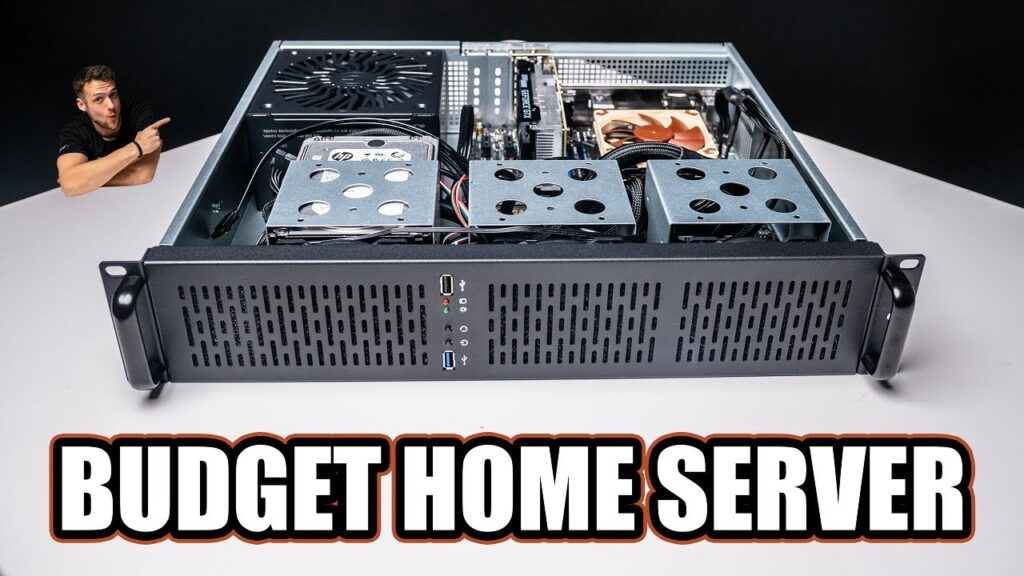
Self-hosting is often dismissed as a hobby for advanced users, but that assumption breaks down quickly once a basic home server is actually up and running. What looks intimidating from the outside can become a practical setup built from old hardware, simple tools, and a few widely available apps.
That shift in perspective is the core of the experience: the biggest obstacles usually appear before the first install, not during day-to-day use. Once the initial setup is complete, the system can be surprisingly manageable for home users who only want control over a few essential services.
What makes the first step look harder than it is
For many people, the main barrier is not hardware but fear of Linux, terminals, and server administration. A headless system that must be managed remotely can seem like a task reserved for experienced administrators.
In practice, the early setup can be handled in a few hours with the help of online guides and ChatGPT. Installing Ubuntu Server on an old laptop, choosing a Linux distribution, setting up Docker, and preparing the first services can all be done without building a full technical lab from scratch.
Cheap hardware is often enough
Another common misconception is that self-hosting requires expensive server-grade equipment. The image of racks, massive memory, and enterprise storage makes the idea seem far beyond a normal household budget.
For a home setup, that is usually unnecessary. An unused laptop, a low-cost Ethernet dongle, and a 6TB external hard drive can already support a media server such as Jellyfin, while a Raspberry Pi remains a strong starter option for services like Home Assistant and Nextcloud.
Power use does not always become a problem
Constant uptime often sounds expensive because a server can run 24/7. That concern is understandable, especially when imagining a homelab with multiple machines always active.
For a system intended mainly for household use, however, much of the workload stays idle for long periods. Even always-on services such as AdGuard Home as a DNS sinkhole do not necessarily create a large power burden, and the electricity bill may stay far less dramatic than expected.
Open-source apps can stand up to commercial services
Self-hosted software is frequently assumed to be a compromise in quality because many of the most popular tools are free and open source. That assumption tends to fade after regular use of the alternatives.
Immich can replace Google Photos without feeling like a downgrade, while Home Assistant can outperform many smart home ecosystems by bringing together devices from many brands. In that sense, self-hosted apps are not merely substitutes; in some cases, they are the more capable option.
The real risk is not instant collapse
The fear of losing data after a small mistake is another major reason people hesitate. A broken backup or a single bad click can make self-hosting feel fragile before it has even begun.
That risk is much more manageable when the system is left relatively stable and not exposed to the internet. Even when a Docker Compose YAML file breaks repeatedly, it can still be repaired and brought back each time, which makes the environment more resilient than many expect.
It does not need constant sysadmin work
Many people imagine self-hosting as a nonstop admin job with updates, checks, and troubleshooting every day. The reality can be far quieter once the first few weeks of setup problems have passed.
Updates are often done only when convenient or when a new service is being added, rather than on a strict schedule. After the initial adjustment period, the system can settle into a routine that feels far less demanding than the stereotype suggests.
For most households, the smartest approach is to begin with one or two services and expand only when there is a clear need. That gradual path makes self-hosting easier to approach, while also leaving room for new tools, better organization, and more control over everyday digital services.