Unexpectedly losing internet access during a meeting, video session, or game often comes down to one thing: the Tri balance or data package has already thinned out. That is why checking remaining credit, internet quota, and line validity matters for users who want a smooth connection.
Tri offers several ways to monitor usage, and some of them work without an internet connection. That makes the process practical even when the network is unstable or the phone has no active data access.
USSD remains the fastest option
The quickest way to check Tri balance is through the phone dialer using a USSD code. This method does not require internet access and can be opened at any time from a mobile device.
Users can open the Phone app, enter 111# or *123#, and press call. After that, they can follow the menu that shows balance information and wait for the remaining credit and active period to appear on screen.
Data quota can also be checked through dial codes
Internet package balance is available through the same kind of dial-based access. One code mentioned for data monitoring is *123103#, which displays internet quota details along with the package validity period.
If that code does not show the expected menu, users can try 111# or *123# and then select the internet package option from the menu list. This gives subscribers a way to confirm remaining data without installing an additional app.
| Method | What It Shows | Connection Needed |
|---|---|---|
| 111# or *123# | Balance and active period | No |
| *123103# | Internet quota and package validity | No |
| Bima+ app | Balance, quota, promo, and BonsTri points | Yes |
| SMS to 234 | Remaining quota and active package details | No |
| Website and chatbots | Account, quota, and validity information | Yes |
Bima+ gives the most complete overview
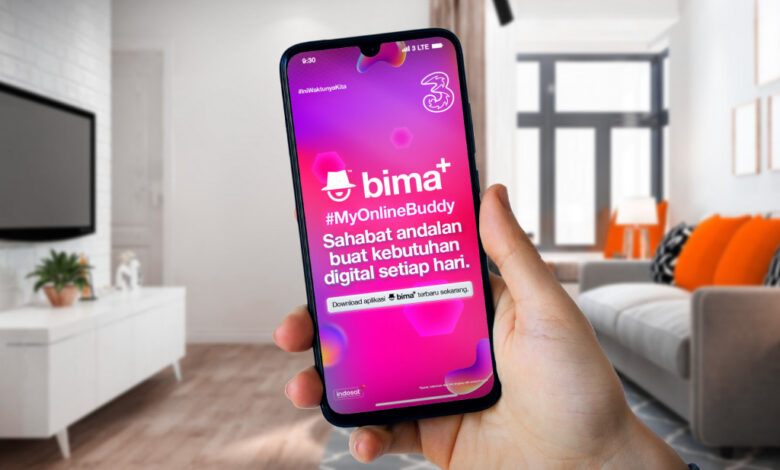
For users who want to keep everything in one place, the Bima+ app offers the broadest access. It shows balance and data quota, and it also supports package purchases, BonsTri point tracking, and promo monitoring.
After downloading Bima+ from Google Play Store or App Store, users need to log in with their Tri number. If prompted, they must enter a verification code, and the balance, quota, and active period usually appear on the main page.
SMS is still a useful backup
Users who prefer not to open an app or rely on data can still use SMS to check quota. The process is simple, but it depends on the correct message format.
Open the messaging app, create a new message, type INFO DATA, and send it to 234. Tri will then reply with remaining quota, the active internet package, and the package validity period.
Browser access and chat assistants add more options
Tri also provides a web route through the official Bima+ site for users who prefer browser-based access. After opening bima.tri.co.id and logging in with a Tri number, the user enters the OTP sent by SMS and then sees quota, active package, and line validity data.
The operator also supports chatbot service through WhatsApp and Telegram. On WhatsApp, users can save the official Tri number 0899-9800-123, send the message Cek Kuota, and follow the chatbot prompts.
On Telegram, users can open the official TriIndonesiaCare bot, start the chat, type Cek Kuota, enter the Tri number, and follow the instructions until the information appears. These options are aimed at people who are more comfortable with messaging apps than dial codes.
Routine checks help avoid disruption
Tri’s package options, including the AlwaysOn line validity feature, sisa kuota accumulation on certain packages, and BonsTri loyalty program, make regular monitoring a practical habit. The company also continues expanding its network across various parts of Indonesia.
With several tools available, users can choose whichever method fits their routine best. Checking balance and quota before work, study sessions, streaming, or gaming can help prevent sudden disconnections at important moments.