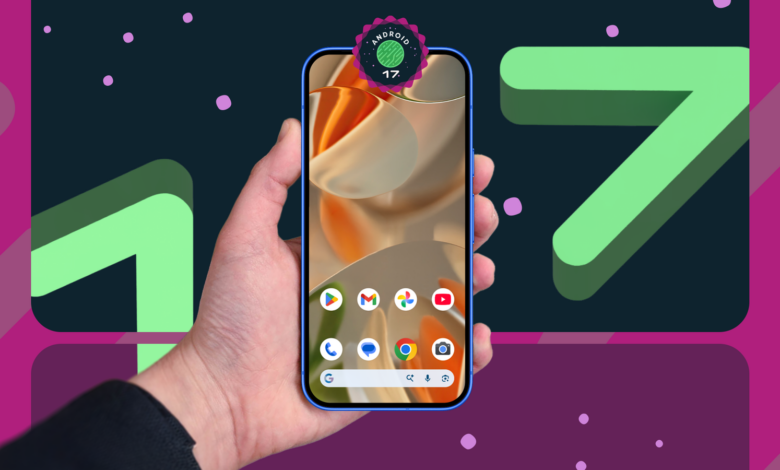
Android 17 is arriving without a dramatic visual overhaul, but its most interesting changes are the kind users tend to notice in daily use. Rather than chasing a brand-new look, Google appears to be focusing on practical upgrades for productivity, entertainment, and easier control.
That approach makes the update especially relevant for Pixel owners and foldable device users, since several features are designed to better match modern hardware and multitasking habits. In a market where operating system updates often feel cosmetic, Android 17 stands out by improving small details that can make a meaningful difference.
Screen recording gets more personal
One of the standout additions is built-in screen recording with a selfie overlay. It lets users record their screen while showing a front-camera reaction at the same time.
This is useful for tutorials, game clips, or virtual presentations that benefit from a more personal touch. Android 17 also allows the size and position of the selfie overlay to be adjusted so it does not cover important on-screen content.
The feature sounds simple, but it removes the need for third-party apps in situations where users often need this setup. For creators and everyday users alike, that makes the tool immediately more practical.
Floating windows bring multitasking up a level
Android 17 also expands multitasking with resizable floating windows. Users can run up to four apps at once in floating mode.
That opens up a wide range of efficient everyday scenarios. A person can take notes during a video call, watch a live stream while checking social media, or move between several chats without constantly switching screens.
Google has also added a “bubble bar” interface to make app switching feel smoother and more intuitive. The result is a multitasking experience that seems built for users who rely on their phone as a work tool.
Foldables get a gaming mode made for them
For foldable devices, Android 17 introduces split-screen gaming in a way that uses the hardware more effectively. In this mode, one side of the display is used for gameplay while the other becomes an on-screen gamepad.
That design makes the most of a foldable screen’s unusual shape and gives players more precise control without needing an external controller. It is one of the clearest signs that Android 17 is paying attention to device categories that are still evolving.
Customization becomes more flexible
On the interface side, Android 17 adds more detailed customization options. Users can now hide app labels on the home screen for a cleaner and more minimal appearance.
The system settings also receive refinements such as reduced white space and more transparency across additional interface elements. Android 17 even allows dark mode to be applied to individual apps separately.
These changes are paired with smoother animations and performance optimizations that help the interface feel more responsive. The result is not just a prettier look, but a more personal one.
Connectivity controls become easier to reach
One of the most practical changes may be in quick settings, where Android 17 separates the Wi-Fi and mobile data toggles. This responds to users who want faster access to connection controls.
Instead of digging through multiple menus, users can switch between networks more quickly. That kind of small adjustment can have an outsized impact because it affects everyday behavior so directly.
Small extras hint at a broader direction
Beyond the main features, Android 17 includes an Easter egg with a constellation puzzle and a mini asteroids game. It is a minor detail, but it adds a playful touch for users who like exploring the system.
Google has also signaled additional features on the way, including widget creation through natural language, improved speech-to-text, and new digital well-being tools. That suggests Android 17 is not just a modest update, but also a foundation for deeper AI integration in everyday tasks.
Overall, Android 17 is choosing refinement over reinvention. But with smarter screen recording, stronger multitasking, foldable-focused gaming, broader UI customization, and quicker connectivity controls, it introduces practical changes that should be easy to appreciate from day one.