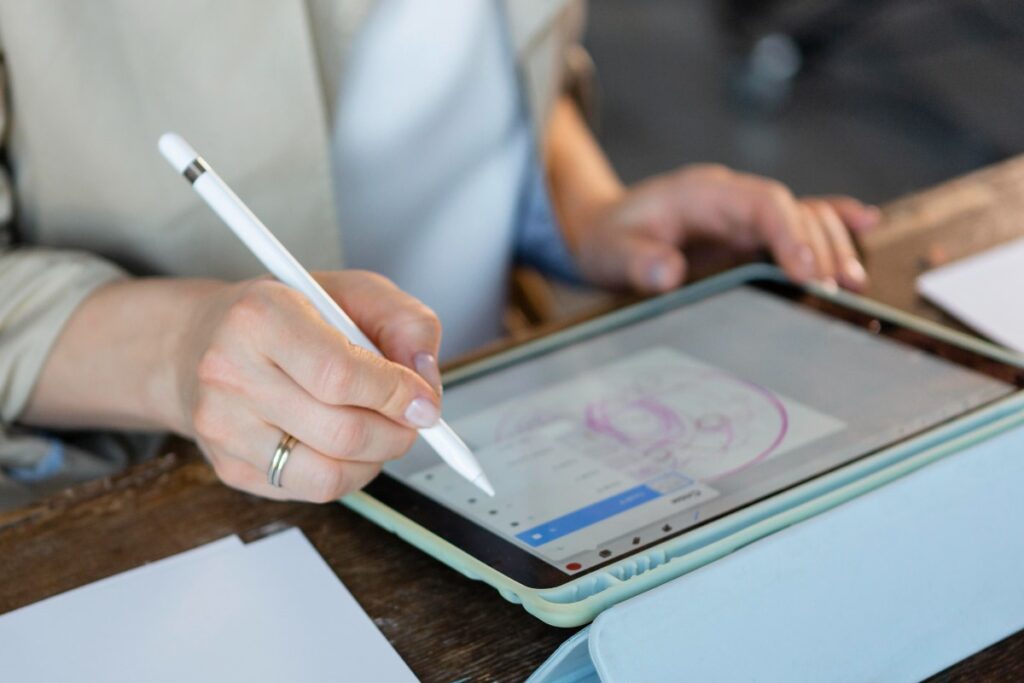
Editing on a tablet is now possible thanks to rapid advances in display quality and processing power. Users can create, retouch, and render complex visual projects or videos directly from a slim and lightweight device.
Many creators and professionals seek the best tablets for editing, looking for accurate color, high refresh rates, fast chipsets, responsive stylus, and large storage options. The following six recommended tablets stand out for their performance and comprehensive features, catering to a wide variety of editing needs based on the latest data from reliable tech reviews and product releases.
1. Apple iPad Pro
Apple iPad Pro remains the benchmark in the tablet segment for content creators. It is powered by the Apple M4 chipset, offering desktop-level performance to handle high-resolution video editing and advanced graphics work with ease. The Ultra Retina XDR OLED display with ProMotion 120 Hz refresh rate provides excellent color accuracy and smooth visual experience, essential for visual editors.
The iPad Pro comes with adaptive RAM from 8 GB up to 16 GB, supporting multitasking and heavy applications. Storage options start at 256 GB and go up to 2 TB, allowing users to work with large project files. The device supports Apple Pencil Pro for precise input, making it comfortable for digital illustration, retouching photos, or animation. Its price is in the premium range, but many users rate the investment as worthwhile due to the total package of power and ecosystem compatibility.
2. Samsung Galaxy Tab S9 Ultra
Samsung Galaxy Tab S9 Ultra sets a new standard for Android tablets designed for professionals. The large 14.6-inch Dynamic AMOLED 2X display, with 120 Hz refresh rate and high resolution, makes intricate editing practical and enjoyable. The device runs on Snapdragon 8 Gen 2 for Galaxy, paired with 12 GB RAM and 512 GB storage, and still supports microSD expansion up to 1 TB for even bigger requirements.
This tablet includes the S Pen with low latency, which is especially appreciated in detailed editing or illustration tasks. Samsung DeX support transforms the tablet usage experience to near desktop-level, maximizing productivity for software and editing tools. Additional features include a huge 11,200 mAh battery with fast charging, IP68 water and dust resistance certification, and Dolby Atmos speakers for multimedia projects. Price options are variable, but the overall value justifies the cost for professional use.
3. Apple iPad Air
Apple iPad Air offers a flexible balance between performance and portability. Equipped with the efficient Apple M3 chipset, it is suitable for lightweight video editing, creative illustration, and multitasking. The Liquid Retina LCD provides clear, sharp images and color rendition, making it reliable for basic editing tasks.
iPad Air is compatible with the latest Apple Pencil Pro and Magic Keyboard, broadening usage scenarios from drawing, painting to writing and content creation on the go. Multiple storage options and a more affordable price segment compared to the iPad Pro make it accessible for students or freelance creators who demand an optimal balance between specs and budget.
4. Microsoft Surface Pro
Microsoft Surface Pro is the top choice for editors who prefer the Windows ecosystem. This device can run full desktop editing software, thanks to the powerful processor options: either Snapdragon X Plus/X Elite or Intel Core Ultra 5/7. With RAM choices between 16 and 32 GB and SSD up to 1 TB, it addresses high-performance complex editing needs usually handled by laptops.
The 13-inch PixelSense display with 120 Hz refresh and high resolution supports vibrant, accurate visuals for video and photo editing. The Surface Pen is supported for precise input, useful for designers or illustrators. Users can add a keyboard for a total laptop-like experience, and Windows 11 provides software compatibility. Even though the price is higher, the wide range of professional features pays off for serious editors or those in the creative industry.
5. Lenovo Yoga Tab Plus
Lenovo Yoga Tab Plus is designed for those wanting a well-equipped Android tablet for creative use. It features a Snapdragon 8 Gen 3 chipset combined with 16 GB RAM and 256 GB storage, ensuring smooth performance for editing, rendering, and multitasking. Its 12.7-inch display has a 3K resolution and 144 Hz refresh rate, offering very comfortable visual editing and accurate colors.
The Yoga Tab Plus comes bundled with a keyboard and stylus, helping users maximize both productivity and creativity. Pricing remains competitive when compared to other premium models with similar capabilities, making it a strong contender for those who want both performance and value from their tablet.
6. Huawei MatePad Pro 12.2
Huawei MatePad Pro 12.2 offers a unique set of features for editors seeking display quality and large battery life. The 12.2-inch OLED PaperMatte 2.8K display delivers high brightness, reaching up to 2000 nits. This tablet is excellent for working in different lighting situations or for professionals who require exact color calibration.
It provides 12 GB RAM and up to 512 GB storage to manage high-resolution projects and applications smoothly. The device is powered by a 10,100 mAh battery with 100W fast charging capability, ensuring sessions aren’t interrupted by power issues. Pricing places it in the upper mid-range segment, targeting serious editors needing professional-grade tools without switching to a full laptop.
Comparison Table: Tablet Specs for Editing
| Tablet | Chipset | Display size/type | RAM | Storage | Stylus/Keyboard | Price Range (Rp) |
|---|---|---|---|---|---|---|
| Apple iPad Pro | Apple M4 | OLED XDR 120Hz | 8-16GB | 256GB–2TB | Yes/No | 18.999.000 |
| Samsung Galaxy Tab S9U | Snapdragon 8 Gen2 | 14.6" AMOLED 120Hz | 12GB | 512GB+uSD | Yes/No | 19.999.000–21.999.000 |
| Apple iPad Air | Apple M3 | LCD Retina | 8GB | up to 1TB | Yes/No | 9.775.000–15.975.000 |
| Microsoft Surface Pro | Snapdragon/Intel Ultra | 13" PixelSense 120Hz | 16–32GB | up to 1TB | Yes/Yes | 15.000.000–35.000.000 |
| Lenovo Yoga Tab Plus | Snapdragon 8 Gen3 | 12.7" 3K 144Hz | 16GB | 256GB | Yes/Yes | 8.000.000–9.000.000 |
| Huawei MatePad Pro 12.2 | – | 12.2" OLED 2.8K 2000nits | 12GB | 256/512GB | Yes/No | 15.000.000–18.000.000 |
Tablet selection for editing should consider user habits, preferred operating system, and required performance level. Many creative professionals now rely on tablets for their core editing work, aided by stylus improvements and optimized creative apps. Tablets are also used for entertainment, productivity, note-taking, and communication, allowing one device to answer multiple daily needs. When choosing, take time to compare technical specifications and real-world user feedback to find the best fit for your creative workflow.