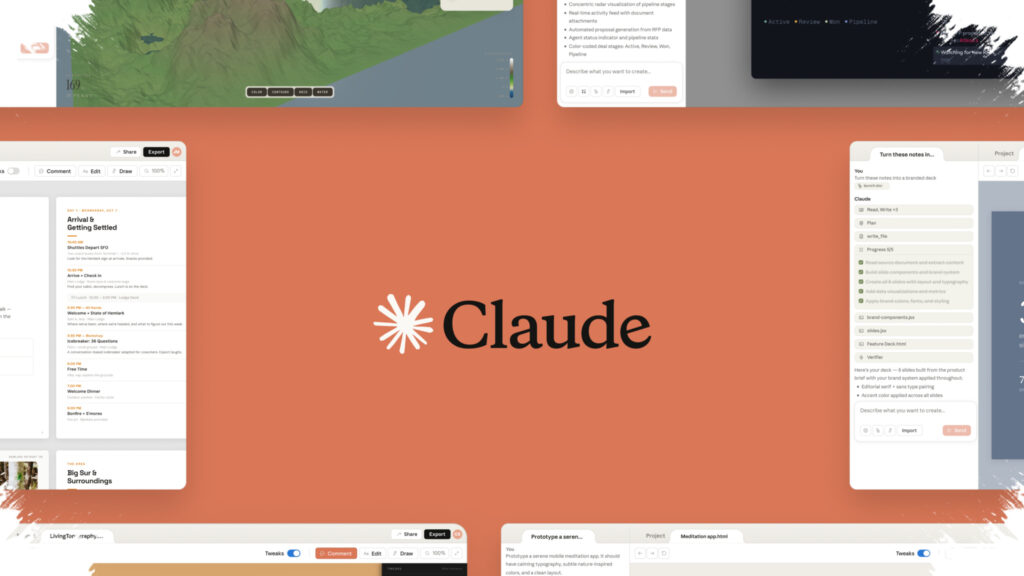
Claude Design is drawing attention because it shortens a workflow that usually stretches across multiple stages. Instead of stopping at static mockups, the platform is described as turning a simple text prompt into a functional output that stays aligned with brand identity and then moves more smoothly into implementation through Claude Code.
That shift matters for design, product, and marketing teams that need prototypes to feel closer to something usable. Based on the explanation from Zinho Automates, Claude Design helps reduce the gap between an early idea, initial testing, and a result that is nearer to production-ready form.
From text input to interactive layout
One of the clearest strengths of Claude Design is its ability to build a layout from scratch. Unlike tools that rely heavily on ready-made templates, this approach gives teams more room to shape the design around project needs and brand visuals.
Zinho Automates highlights that interactive app prototypes can be created through text commands alone. This makes it possible to test usability earlier, which helps surface problems before they move into a more expensive development stage.
Faster validation before coding begins
The most immediate use case is the creation of interactive apps through prompts. Designers can examine the flow, interface response, and visual structure more quickly, without waiting for manual coding to start from zero.
That speed supports earlier validation. When usability issues appear sooner, the likelihood of major revisions late in the process becomes lower, and teams can make decisions with a clearer picture of what needs adjustment.
Useful for landing pages and website redesigns
Claude Design is also used to produce landing pages that follow a user’s design system. The platform supports iterative adjustments, so layout changes can still be made while the process is ongoing and not yet locked in.
For product and marketing teams, this flexibility can be valuable when comparing several page approaches in a short time. Once the concept is approved, the result can be handed off to Claude Code for deployment.
The platform can also analyze and adapt the layout of an existing website. The output is then aligned with brand colors, typography, and overall visual tone, including when teams want to review a competitor’s site as design insight.
Beyond interface mockups
Claude Design is not limited to app screens. Raw text or scripts can also be turned into professional slide decks with consistent branding, which makes the tool relevant for internal pitches or product idea validation.
The output can still be exported to PowerPoint or Canva if further refinement is needed. In a prototyping context, that supports faster communication and makes ideas easier for stakeholders to understand.
Motion graphics and browser-based output
For more dynamic visual work, Claude Design also supports custom motion graphics directly in the browser. Elements such as transitions, lower thirds, and other animations can be tested without a complicated workflow.
Those assets can then be exported as a standalone HTML file or used in video editing software. That gives teams a way to experiment with motion-based presentations without adding unnecessary process overhead.
Shortening the path to implementation
A common challenge in prototyping appears when design files need to move into implementation. Claude Design aims to reduce that distance by supporting exports in HTML, CSS, and application components described as production-ready.
This approach reduces the need for manual handoff, a step that often creates misunderstandings between designers and developers. In practice, the project timeline can become shorter, while the risk of errors during transition also drops.
Real-time review keeps feedback moving
Fast prototyping still needs an efficient feedback loop. Claude Design provides real-time design review with inline comments, allowing input to be directed straight to the relevant part of the work.
That setup helps everyone evaluate the same context when reviewing a design. As a result, decisions can be made faster, and the number of revisions remains more controlled.
The reference also notes a distinction from Canva, with Claude Design offering more flexibility through its ability to create layouts from the ground up. At the same time, the two tools can still complement each other when a team needs speed, brand consistency, and a closer path to production.