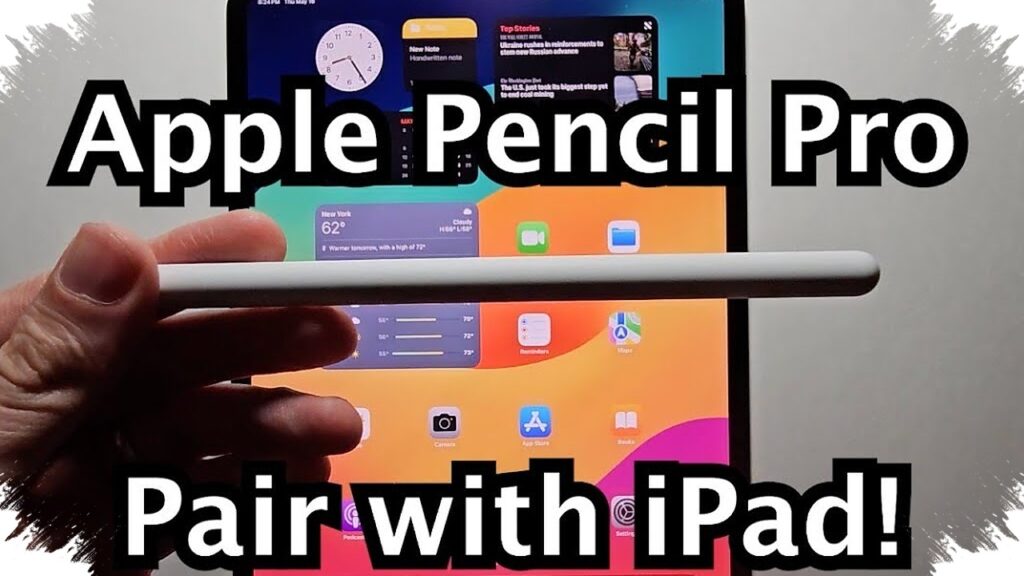
An Apple Pencil Pro can do far more than mark up a screen. When paired with iPadOS 26, it turns the iPad into a more efficient work tool for navigating apps, taking notes, editing documents, and handling administrative tasks with greater speed and precision.
That broader role comes from a set of features that are easy to overlook. Gestures, hover controls, handwriting recognition, quick access shortcuts, and Find My support all help the stylus feel less like an accessory and more like a practical part of the workflow.
Fast access without breaking focus
One of the most useful advantages of Apple Pencil Pro is the ability to move through tasks with fewer taps. A shortcut at the corner of the iPad screen lets users open Notes and other tools quickly, which is helpful when an idea appears suddenly or when a quick annotation is needed.
The same shortcut can also work from the lock screen, making it easier to capture thoughts before they disappear. For users who switch often between reading, writing, and editing, this reduces interruptions and keeps attention on the task at hand.
Gestures that make work feel smoother
Apple Pencil Pro also relies on gesture controls that feel natural in daily use. A squeeze gesture can switch tools, while rotation can be assigned to functions such as a highlighter or eraser.
That matters for illustrators, designers, and anyone who annotates documents frequently. Instead of repeatedly opening on-screen menus, users can stay on the canvas and keep the workflow moving with fewer delays.
More than handwriting on a screen
Scribble remains one of the strongest productivity features tied to Apple Pencil Pro. It allows text to be written directly into fields such as search boxes and web addresses without bringing up the keyboard.
The function also supports simple editing actions, including deleting with a quick scribble and selecting text by circling it. For students and office workers, that makes the iPad feel closer to paper while still keeping the benefits of digital input.
Handwriting can also be automatically cleaned up, which is useful when notes need to stay readable. In fast-paced work, clearer handwritten text can make later review and revision much easier.
Useful for notes, equations, and signatures
Beyond general note-taking, Apple Pencil Pro also supports math recognition. Equations can be recognized, solved, and turned into digital text, which adds convenience for academic and technical work.
The stylus is also useful for document handling. Signatures can be saved and reused, which helps when filling forms, contracts, or PDFs. The reference also notes auto-straightening, which helps signatures look cleaner and more polished.
Hover adds a more intuitive way to navigate
Hover gives Apple Pencil Pro another layer of control. When the stylus is held near an app or icon without touching the screen, users can preview content or see extra options.
This makes switching between documents and apps feel more intuitive. It also reduces unnecessary touches, which helps streamline everyday navigation on the iPad.
Finding the stylus is simpler too
Apple Pencil Pro connects with Find My, making it easier to trace if it is left behind or misplaced. The system can also send proximity-based notifications when the stylus is nearby.
That feature is practical because a small accessory like this can easily end up under papers, inside a bag, or somewhere on a crowded desk. Faster location tracking means less time wasted searching during work or meetings.
Precision also matters for visual work
For drawing and structured visuals, Apple Pencil Pro adds another layer of usefulness. Users can sketch a shape and hold the stylus briefly so the system refines it into a cleaner form.
That is helpful for flowcharts, technical diagrams, annotated documents, and presentations. In Freeform, the benefit becomes even clearer because the unlimited canvas gives more space for brainstorming, sketching, and developing ideas.
Support for the stylus also extends across multiple iPad models, including iPad Pro with M1, M2, and later chips, iPad Air with M2, M3, and M4, and iPad mini with A17 Pro and newer versions. With that compatibility range, more iPad users can access the same set of advanced Pencil features in everyday work.