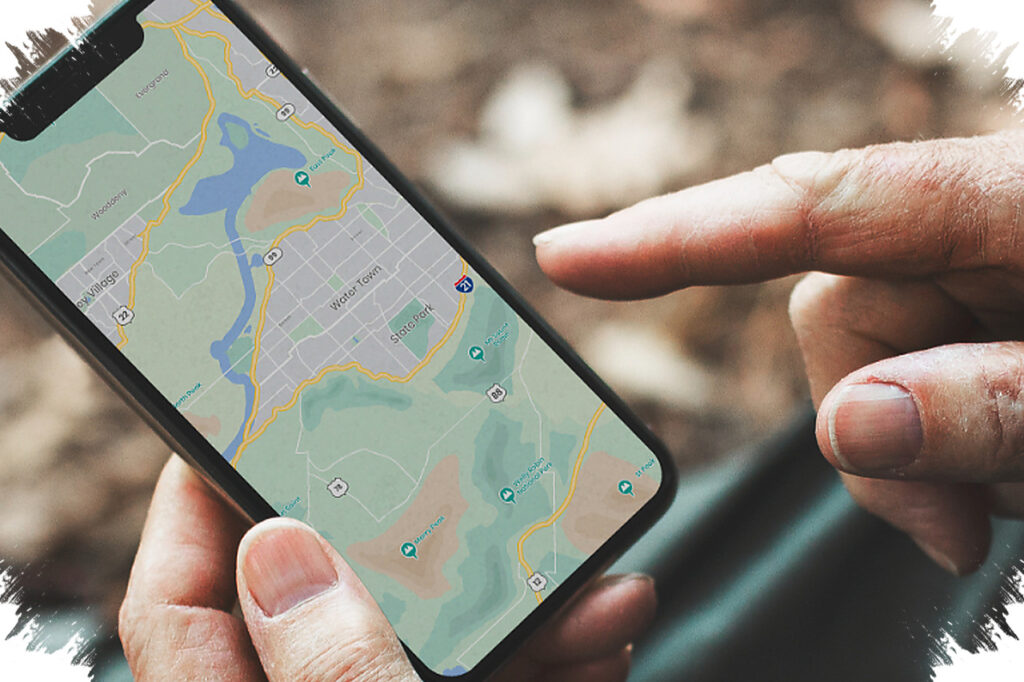
When a trail starts to fade, the right Android trekking app can help keep a hike under control. Offline maps, real-time GPS, elevation data, route tracking, and community-shared trails all matter more once a mountain path becomes harder to read.
That is why the best option is not the same for every hiker. Some apps are built around large trail databases, while others focus on technical navigation, route planning, visual terrain tools, or local mountain coverage in Indonesia.
Apps built for route clarity
AllTrails is one of the most widely known choices for hikers who want a broad trail database. It offers more than 400,000 hiking routes, GPS tracking, trail reviews, and offline map downloads.
That combination helps users check a route before setting out and judge whether it fits their experience and physical condition. Reviews from other users also add a practical layer of context when a hike needs more than basic navigation.
Gaia GPS takes a more technical approach with topographic and satellite maps. It also tracks distance, elevation, and route data, and it can still be used without an internet connection.
Those features make it suitable for mountain areas where signals are limited. The app gives hikers more detail when the terrain becomes more demanding and the trail is no longer easy to follow.
Planning before entering the trail
Komoot is aimed at hikers who want to build their route before starting the walk. It supports voice navigation, route recommendations, points of interest, and offline use.
Its route-planning function makes it easier to adjust a trip to the terrain ahead. Voice navigation can also help when attention needs to stay on steep or rocky sections instead of the screen.
Wikiloc leans heavily on community-shared content. It offers thousands of trekking routes uploaded by users, along with GPS and tracking tools that make it easier to follow a recorded path.
The range of available routes gives hikers more choices across different types of terrain. That community-driven model can be useful when looking for a trail that matches a specific trekking style.
Visual tools and lightweight navigation
PeakVisor takes a different route by using the camera to scan mountains. It shows mountain names, elevation information, and other details on a 3D map, which helps hikers identify the surrounding landscape.
Maps.me serves a simpler need with a lightweight offline map experience. Its navigation is straightforward, and its basic maps help users stay oriented without relying on a connection.
Mdpl Sahabat Pendakianmu is built as a local Indonesian hiking app. It provides maps of Indonesian mountain trails, real-time GPS, and offline support, making it especially relevant for hikers who often explore mountains in the country.
Choosing based on conditions on the ground
Each of these apps serves a different purpose, so the most useful choice depends on the route and the signal situation. A hiker who needs a large trail database may look first at AllTrails, while someone who wants more technical mapping detail may find Gaia GPS a better fit.
Komoot and Wikiloc are stronger options for route planning and community-based trail selection. For lighter maps, mountain recognition, or a focus on Indonesian trails, Maps.me, PeakVisor, and Mdpl Sahabat Pendakianmu offer a more targeted set of tools.
When the path becomes unclear, offline access and GPS support are no longer minor features. They become part of what helps hikers stay more directed, more prepared, and safer as mountain conditions change.