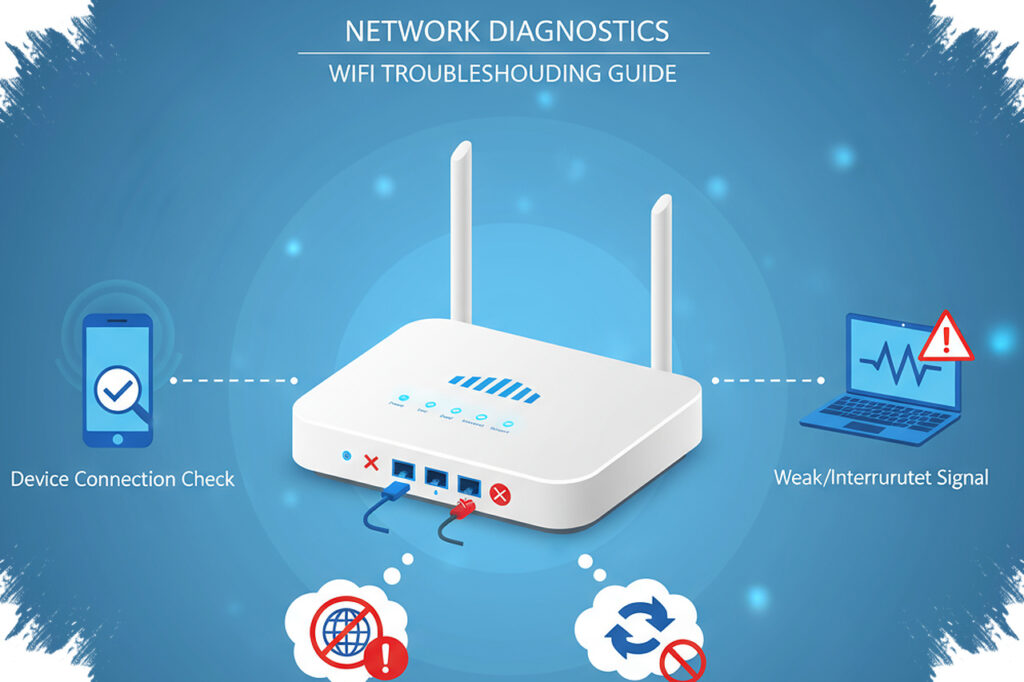
A router rarely fails without warning. In many homes, the device gives away its decline through slower speeds, weaker reach, and instability that appears before the connection drops completely.
That gradual change matters because routers usually do not last forever. Many devices need replacement after three to four years, depending on the manufacturer and how well they are maintained, so older hardware deserves closer attention.
Heat is often the first physical clue
One of the easiest signs to notice is a router that feels unusually hot even when the room is not. Excess heat can indicate that internal components are working harder than they should just to keep the device running.
That condition is often tied to hardware wear. A failing power management capacitor can also reduce the power reaching the antenna or Wi-Fi chip, which makes the router harder to rely on.
Weak signal can point to aging internal parts
Another warning sign appears when Wi-Fi coverage shrinks. A network that once reached through walls with little trouble may begin to fade quickly when a user moves only a short distance away.
That kind of drop can happen when the internal antenna or radio chip has deteriorated over time. If the connection remains unstable even within a range that should still be usable, the router itself may no longer be performing properly.
Slowdowns and buffering are not always temporary
Performance problems can also show up in daily use. Random disconnections, reduced speeds, longer loading times, and streaming that buffers, stutters, or briefly freezes all suggest the network is struggling.
These problems are often linked to packet loss. When data packets go missing, the system has to resend them, and that extra work makes the connection feel slower and less responsive.
A restart may improve the situation for a while. Even so, a temporary fix can point to a deeper issue such as overheating or hardware that has become too old to process requests efficiently.
Too many devices can expose the limit
An aging router may also struggle when several devices connect at the same time. A laptop, phone, or other device can be enough to make a previously stable connection start lagging without an obvious reason.
The cause may be that the router’s CPU and RAM are already overloaded. When the device can no longer handle many requests at once, the number of connections it can support begins to shrink.
Checking the model against the manufacturer’s specifications helps determine whether the load is still within normal limits. Most modern routers should handle a fairly heavy burden unless they are serving a dense smart home setup or a small business environment.
Software problems can also signal the end of service life
The warning signs are not limited to hardware. Firmware updates that fail to install correctly can also indicate that the router is reaching the edge of its usable life.
Sometimes a new update creates stability issues instead of fixing them, which may reveal hidden hardware weakness. Rolling back to an older version can help for the moment, but it may also leave security gaps and create more problems later.
Eventually, manufacturers often stop releasing new firmware for older devices. When a router is stuck on outdated firmware and no longer receives support, that is a strong sign the device has reached the end of its service life and should be replaced before the home network becomes unreliable.