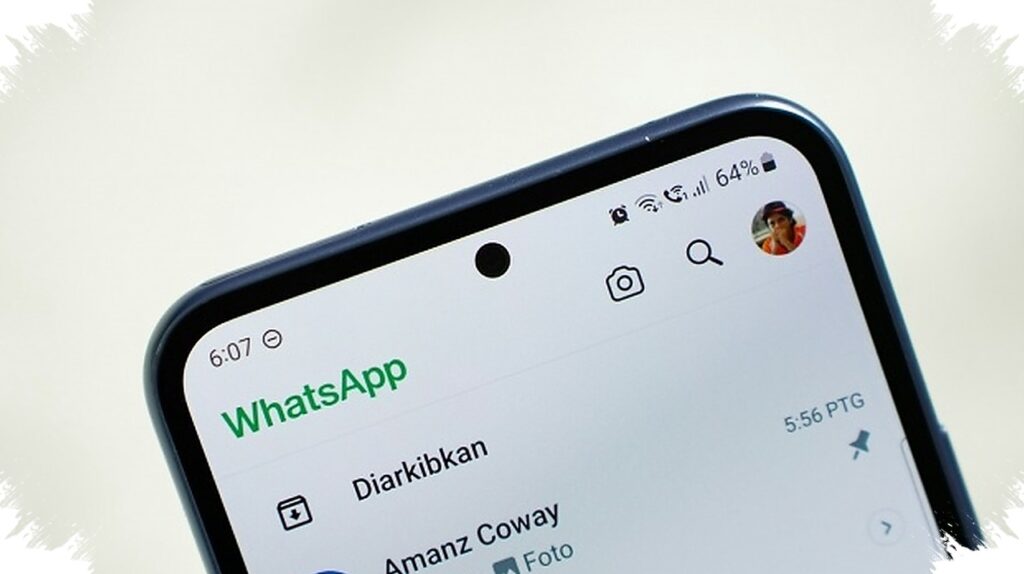
A WhatsApp message that sends on its own is not a small glitch to ignore. When that happens alongside an unexpected OTP code, an unfamiliar linked device, or account activity that looks unusual, the account should be treated as at risk.
The issue is not always about breaking WhatsApp’s encryption. In many cases, the weak point is a logged-in session left open on another device, especially when linked devices are not checked regularly.
What to check first
The fastest place to look is the Linked Devices menu. If an unknown Windows, macOS, or browser session appears there, the account should be considered suspicious.
Linked devices are meant to help with WhatsApp Web and multi-device use. But the same feature can also be abused if a login session stays active without supervision.
Messages or statuses that appear without the owner’s action are another strong warning sign. If content is posted on its own, someone else may already be controlling the account.
Other signs that should not be ignored
A device can also show physical symptoms when spyware is involved. The battery may drain faster than usual, and the phone may feel warmer because harmful apps keep running in the background.
Unexpected OTP notifications are equally important to watch. If a code was not requested, it should never be shared, because it may mean someone is trying to enter the account.
These signs often appear together rather than in isolation. That is why a single unusual alert should lead to a full check of the account and the devices tied to it.
How to lock the account down
The first step is to remove any unfamiliar linked session. Open the Linked Devices menu, select the suspicious device, and choose Log out to cut off access immediately.
After that, two-step verification should be enabled. In WhatsApp, this feature is found under Settings > Account > Two-Step Verification and requires a 6-digit PIN when the account is used on a new device.
WhatsApp also stresses that registration codes and two-step verification PINs must be protected. The official warning is clear: “Never share your registration code or two-step verification PIN with anyone.”
If the device supports it, app lock should also be turned on. Fingerprint or Face ID protection makes it harder for another person to open WhatsApp or scan a QR code when the phone is unattended.
Why this kind of access happens
Account compromise does not always require advanced technical attacks. In many situations, the problem starts when a phone is lent to someone, WhatsApp is left open on another computer, or linked devices are never reviewed.
Meta continues to strengthen security through end-to-end encryption. Even so, account protection still depends on device control and on how carefully access is managed by the user.
For people who use WhatsApp on multiple devices, periodic checks matter. Reviewing the linked-device list regularly can help spot unauthorized access before private chats are exposed.
Physical phone security matters as well. A screen lock, app lock, and two-step verification work best together as overlapping layers that reduce the chance of repeated unauthorized access.