


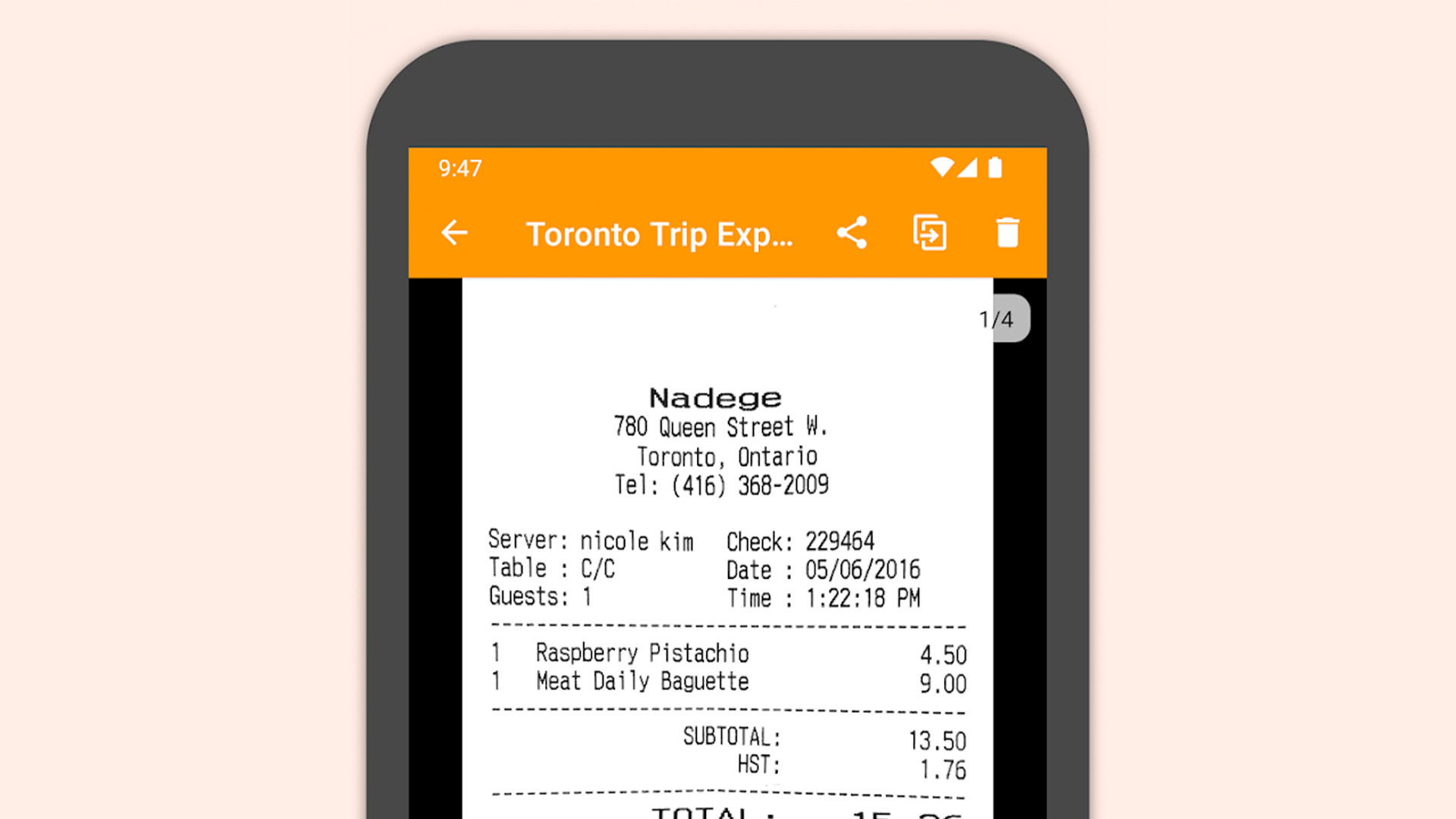
Turning a phone into a document scanner has become a practical way to handle class notes, work files, important forms, and personal archives without extra equipment. The main difference between scanning apps is not whether they can create a PDF, but how clean, readable, and efficient the result feels afterward.
For everyday use, that detail matters. Some apps leave documents looking blurry, some create files that are too heavy, and others make it difficult to reopen and read the text later.
Adobe Scan focuses on sharp results
Adobe Scan stands out because it can automatically detect the edges of paper. That helps the scan look neat even when the document is captured with a regular phone camera.
It also improves contrast so the text becomes easier to read after being turned into a PDF. OCR support adds another useful layer, since the text inside the document can be recognized digitally and searched later without having to read every page manually.
The simple interface makes it suitable for daily scanning needs. For users who want clear documents without spending time adjusting too many settings, this app offers a straightforward option.
CamScanner is built for speed and completeness
CamScanner is widely known for its fast scanning process and practical use across different document needs. It also works to automatically improve lighting so the final scan looks brighter and clearer.
The app includes filters that help clean up documents, especially when the original photo is not ideal. Users can also combine multiple pages into one PDF quickly, which is useful for administrative tasks handled directly from a phone.
Sharing is also easy because the resulting PDF can be sent through email or chat apps. That combination of speed and file management makes it a flexible choice for users who need more than a basic scan.
Genius Scan keeps things light
Genius Scan is designed with a relatively light app size, which makes it convenient on many types of phones. Even with its simple appearance, the scan results remain clean and easy to read.
Its automatic settings help sharpen documents without requiring much manual editing. The app also reduces shadows and glare that often appear when photographing paper under difficult lighting.
Another practical point is file efficiency. The PDF output tends to stay compact, which helps prevent phone storage from filling up too quickly for users who save many digital documents.
Clear Scan suits simple daily tasks
Clear Scan is aimed at users who want a light app with an easy-to-understand interface. The simple menu structure makes scanning feel quick, even for beginners.
The PDFs it produces are sharp enough for everyday administrative use. Color adjustment features also help documents look clearer when they are scanned in less-than-ideal lighting.
Saving and sending files is handled in a practical way because the app is not overly heavy. For people who only need a simple document-scanning tool on their phone, it can cover routine needs without much complication.
These four apps serve the same basic purpose, which is to make document scanning possible without a large scanner. The best choice depends on what matters most, whether that is sharper output, broader features, a lighter app, or the simplest possible workflow.