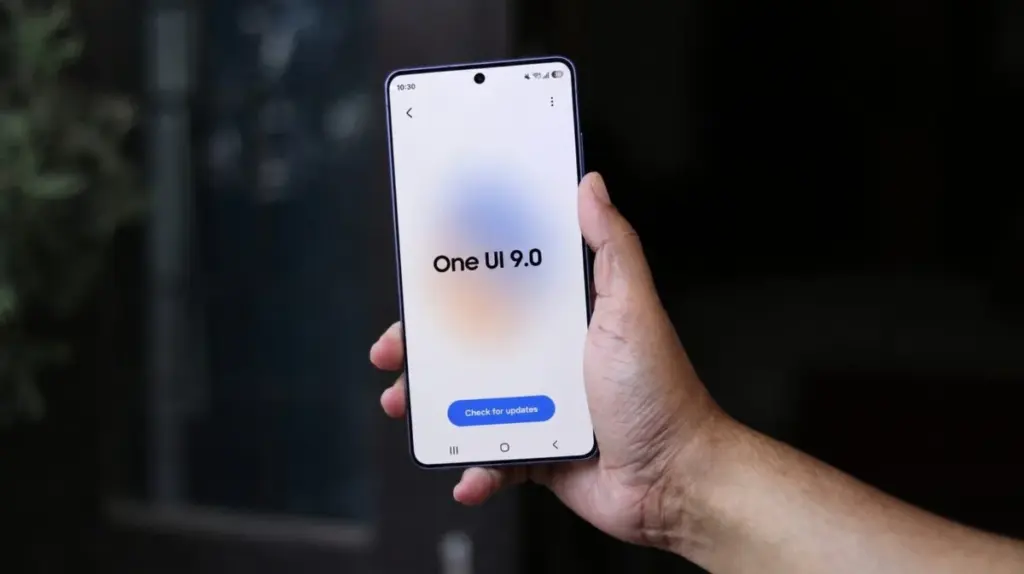
A small adjustment in One UI 9 is turning the Galaxy power menu into a stronger security barrier. Instead of returning to whatever screen was last open, the phone now goes straight back to the lockscreen once the power menu is closed.
That shift may look minor at first glance, but it matters most when a phone is lost, stolen, or grabbed from the owner’s hand. In that situation, the new behavior makes it much harder for someone else to move quickly back into the device and reach apps or content that were already open.
What changes inside the power menu
On One UI 9.0, the power menu still shows the same four familiar options: Power Off, Restart, Emergency Call, and Medical Info. The visible menu has not been redesigned around new choices.
The change happens after the menu is dismissed. Instead of dropping the user back to the previous screen, the system now sends the device to the lockscreen, which requires the PIN to be entered before the phone can be used again.
That means a person who briefly handled the device can no longer close the power menu and immediately return to the last active page. The new flow interrupts that fast path and adds a security step before access resumes.
Why the adjustment matters
Menu changes in a phone’s power controls are usually easy to overlook because the screen itself still looks familiar. In this case, the security impact comes from behavior rather than appearance.
When a device is in the wrong hands, even a small delay can matter. Samsung’s new approach makes it more difficult for someone to access the phone’s contents or to keep working from the screen that was previously open.
The added lockscreen step also helps reduce exposure to sensitive information that may have been visible before the power menu was opened. Instead of restoring the previous view, the system now forces a fresh unlock.
Seen on Galaxy S26 Ultra running One UI 9.0 Beta 2
The new behavior has already been observed on the Galaxy S26 series after One UI 9.0 arrived on those devices. SamMobile showed the change on a Galaxy S26 Ultra running One UI 9.0 Beta 2.
The screenshots shared by the publication showed both the power menu and the lockscreen on the device. They also confirmed that closing the power menu now sends the phone back to the lockscreen.
It is not clear whether this behavior first appeared in the initial One UI 9.0 beta or only in Beta 2. What is clear is that the change is already present in the current beta release on the Galaxy S26 line.
A small system change with direct security impact
Power menus are usually treated as basic system elements, which is why changes there can pass unnoticed. Samsung appears to be using that familiar area to strengthen protection without adding a new visible feature or extra setup step.
For Galaxy users, the result is a security layer that becomes active in an ordinary interaction. Once the menu closes, the phone now demands lockscreen authentication before opening back up to the user.
That design does not change the options inside the power menu itself, but it does change what happens next. In a moment where speed matters most, the device now slows access enough to make unauthorized use more difficult.
Source: www.sammobile.com