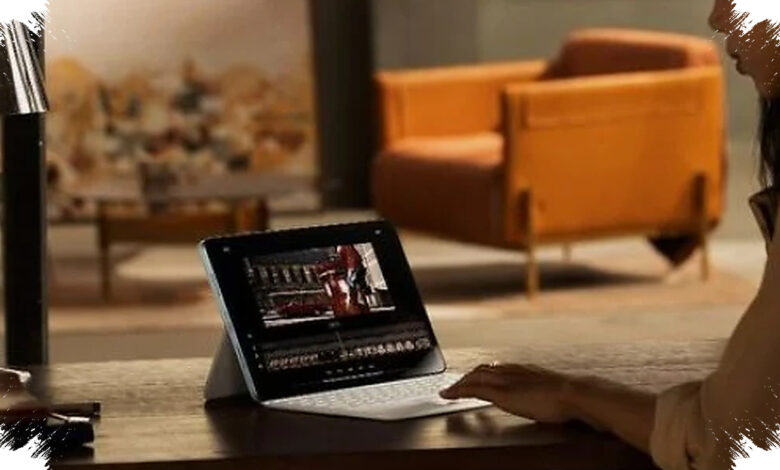
Mid-range tablets are becoming more practical for office work and study, particularly when paired with a magnetic keyboard and mouse. With WPS Office 2.0, users can type, process spreadsheets, and prepare presentations in a workflow that more closely resembles a laptop.
The shift matters because tablets offer a thinner form factor, flexible use, and power efficiency while retaining core office functions. Even so, the software does not remove every boundary between a tablet and a conventional computer.
Where Tablets Still Fall Short
Intensive coding, corporate macro data compilation, and the management of numerous background applications remain better suited to a pure desktop operating system. These tasks require the level of system stability that tablets have not fully matched.
WPS Office 2.0 is therefore more suitable for users focused on documents, spreadsheets, presentations, and cloud-based collaboration. For office workers and students, those activities are said to account for around 85 percent of daily work needs.
This places the mid-range tablet in a more defined role rather than presenting it as a universal laptop replacement. It can serve as a serious productivity device when the workload stays within office-oriented tasks.
Desktop-Style Tools on a Tablet
The PC-Level interface in WPS Office 2.0 is designed to resemble the desktop version instead of relying only on a simplified touch-based layout. That approach gives users access to a more familiar working environment when using external accessories.
Official Kingsoft WPS Office documentation states that users can open multiple documents through a multi-window feature. This is useful for comparing files, copying data, and moving between documents and presentations during the same work session.
| Work Area | WPS Office 2.0 Support | Practical Benefit |
|---|---|---|
| Documents | Multi-window for several files | Faster file comparison and switching |
| Spreadsheets | Pivot tables and advanced formulas | Support for more complex data work |
| Presentations | Multimedia materials and layered transitions | Direct editing on the tablet |
Spreadsheet work is one of the central areas of the update, with support for complex pivot tables and advanced formulas. Such tasks have typically been more comfortable to perform on Windows or macOS devices.
Presentations with larger multimedia elements and layered transitions can also be edited directly on the tablet. The update is intended to improve responsiveness when switching document tabs and handling heavier presentation materials.
File Accuracy Remains Essential
Document compatibility is crucial if a tablet is to be used as a primary work device. Files in .docx, .xlsx, and .pptx formats need to retain their layout when opened or sent to people using other computers.
According to techno.viva.co.id, WPS Office 2.0 on mid-range tablet ecosystems helps preserve layout accuracy for these formats. This reduces the risk of files changing appearance when work moves from a tablet to a PC.
Standard keyboard shortcuts, including Ctrl+C and Ctrl+V, can also be used with additional accessories. Spreadsheet shortcuts further reduce the adjustment needed for users accustomed to laptop workflows.
Real-time cloud synchronization adds another productivity advantage by allowing work to continue across devices without losing progress. With the right application and accessories, mid-range tablets are no longer limited to basic document editing.