


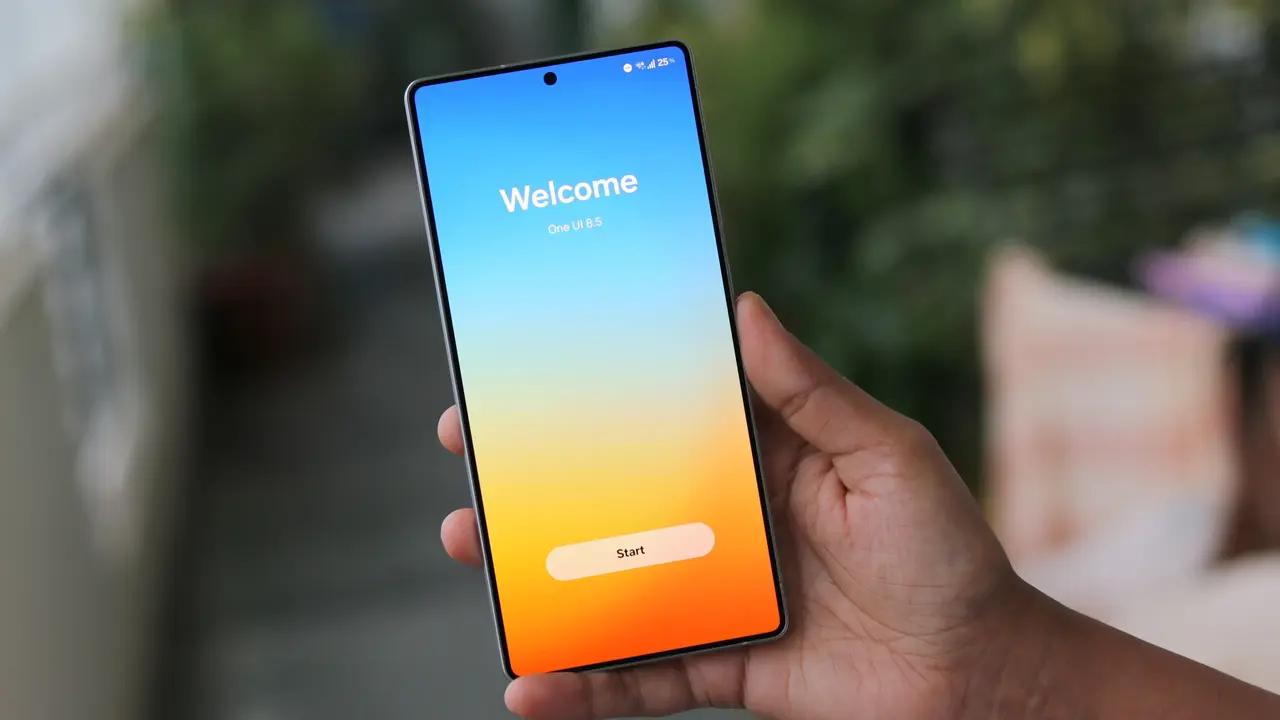
Samsung is gearing up to release its One UI 8.5 update, expected to coincide with the launch of the Galaxy S26 series. This update focuses on significantly improving battery management and cross-device functionality. Users can anticipate a smarter battery saver, detailed weekly usage insights, and enhanced multitasking features in Samsung DeX.
The redesigned battery interface offers clearer visibility into remaining usage time, charging status, and daily consumption reports from the past week. This enables users to identify which apps drain their battery the most with ease. Additionally, a dual-level power-saving mode, Standard and Maximum, will allow users to customize energy-saving measures more intelligently.
Samsung introduces the Network Battery Saver feature to minimize network activity when the phone is idle, such as during sleep hours. This innovation is aimed at reducing unnecessary battery consumption linked to background network processes. According to leaked changelogs, these enhancements provide more precise battery control and improved energy efficiency.
Enhanced Multitasking and Cross-Device Sharing
One UI 8.5 also upgrades multitasking on Samsung DeX by remembering app window sizes and positions. This improvement supports users in preserving their workflow layouts when reconnecting to DeX, leading to a smoother multi-window experience.
The update introduces Storage Share, a feature that permits direct access to files across Samsung Galaxy devices, including tablets, PCs, and TVs. For example, users can view media files stored on their phone directly on Samsung TVs, utilizing larger screens conveniently. This promotes seamless data sharing without manual transfers.
Quick Share receives a security upgrade with a Receive-only mode restricting file reception to trusted devices logged into the user’s Samsung or Google account. Moreover, the new AI-driven Sharing Suggestions use facial recognition to recommend sharing photos with identified contacts automatically, streamlining social sharing.
Advances in AI and Virtual Assistance
Samsung’s AI functionalities, including Bixby, experience notable improvements in One UI 8.5. Bixby will interpret natural language more effectively and manage system settings with greater precision. This enhances voice command responsiveness and broadens Bixby’s usability in daily device operations.
The AI Image Generation feature allows users to create, modify, and store multiple image iterations without losing previous versions. A history function offers quick access to preferred edits or creations. Alongside this, AI editing tools now include an undo history, enabling users to revert easily to prior edits they favor.
Security and Privacy Enhancements
One UI 8.5 strengthens device security with new protections against intrusive ads and unauthorized access. The Device Care section gains an Anti-Ad Protector that automatically blocks or suspends apps sending excessive ad notifications. This promotes a less cluttered and more secure notification environment.
Anti-Theft Protection has been enhanced to lock the screen automatically after repeated failed authentication attempts. This feature safeguards personal data by restricting access if the phone is lost or stolen, preventing brute-force attempts to unlock the device.
Samsung’s One UI 8.5 update reflects a substantial upgrade beyond mere cosmetic changes. It emphasizes battery longevity, user-friendly multitasking, cross-device synergy, and AI integration grounded in practical use cases. Expected to roll out across the Galaxy flagship line in early 2024, this update promises a smarter and more premium user experience.