


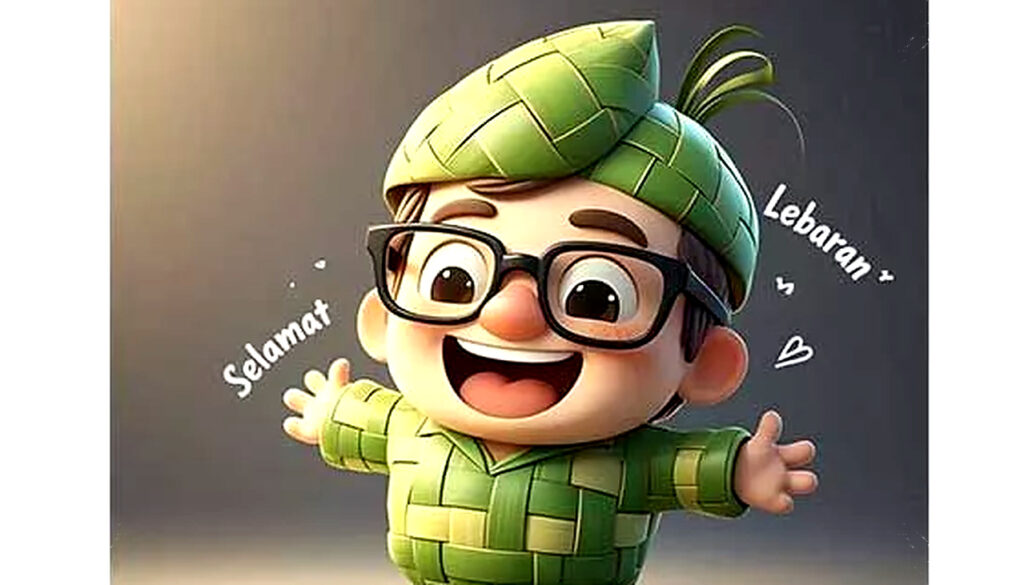
Lebaran is a special moment to send apologies and good wishes. However, usual WhatsApp stickers can feel impersonal and repetitive. Creating Idulfitri greeting stickers using your own photo offers a unique, heartfelt alternative that can brighten your chats with family and friends.
Personalized stickers add a meaningful touch and entertain loved ones without needing advanced design skills. With just a smartphone, you can easily make custom stickers that stand out and become memorable keepsakes for the festive season.
Using Background Removal Apps for Clean Stickers
For those wanting neat stickers with transparent backgrounds, background remover apps are ideal. First, select your best photo—smiling or giving a festive greeting enhances appeal. Then, use a tool like Remove BG or similar apps to eliminate the background cleanly.
Afterwards, tidy up edges if necessary and add texts such as “Selamat Idulfitri” or “Mohon Maaf Lahir & Batin” to emphasize the occasion. Save the final image as a PNG to preserve transparency. You can then import it into WhatsApp via a sticker maker app for convenient sending.
Simplified Sticker Making via Dedicated Apps
If you prefer a hassle-free method, specialized WhatsApp sticker maker apps are available. Download one from Play Store and choose “Create New Sticker.” Upload your chosen photo and crop it using automatic or manual tools.
Enhance your sticker by adding Lebaran-themed emojis or text to express festive greetings. Once completed, save and export the sticker directly to WhatsApp. This method speeds up the process and avoids manual editing, making it user-friendly especially for beginners.
Creative Designs Using Photo Editing Software
For a more artistic approach, apps like Canva or PicsArt can transform your photos into stunning stickers. Start with a square canvas and upload your photo. Decorate with symbols such as ketupat, mosques, or decorative lights to reflect Idulfitri vibes.
Choose a stylish font to add your greeting message, making your sticker visually distinctive. Save your creation as a PNG file for best quality and transfer it via a sticker making app to WhatsApp. This option is perfect for those who want to showcase creativity and make personalized greetings more engaging.
Tips to Ensure the Best Results
- Use high-resolution photos to maintain clarity in your stickers.
- Stick to simple compositions to keep stickers easily recognizable at small sizes.
- Test how your stickers look in chats before sharing widely.
- Experiment with colors and fonts that complement festive themes.
- Backup your custom sticker packs to reuse or share later.
Making your own WhatsApp stickers for Idulfitri adds a warm, personal element that typical store-bought stickers cannot match. This trend not only refreshes festive greetings but also strengthens bonds through uniquely crafted digital messages.
Personalized stickers can replace physical meetups in times when social distancing continues or simply enhance digital silaturahmi (social connectedness). With widely accessible tools, anyone can join this creative movement and tailor their Eid wishes to loved ones in a memorable way.
As this practice gains popularity, you can even explore using 3D avatars or AI-generated characters as sticker bases for an even more distinctive look. Such innovations combine technology with tradition, making your Idulfitri messages truly contemporary and heartfelt.
With these easy methods, there’s no reason to settle for generic greetings. Use your favorite photos and designs to craft WhatsApp stickers that express your sincere emotions perfectly for the special occasion of Idulfitri.