


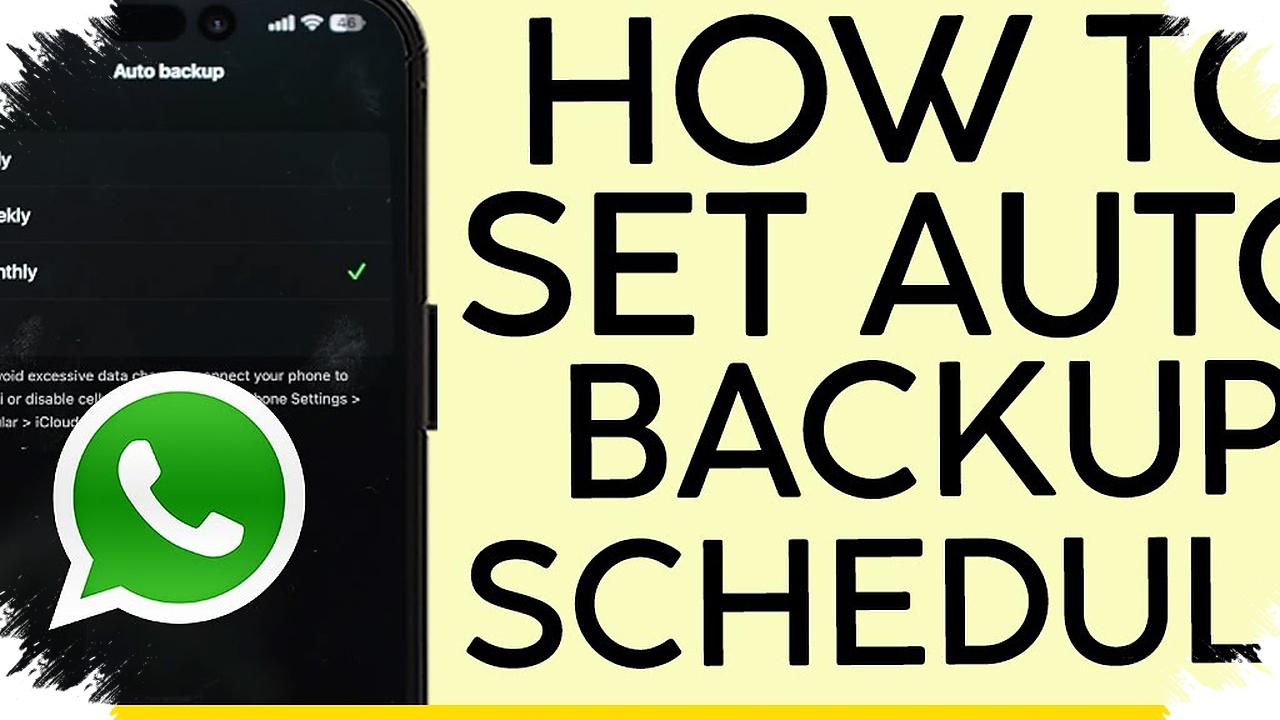
A phone backup usually becomes urgent only after a device is gone, stolen, or damaged beyond repair. By then, photos, videos, notes, and other important files can disappear with it if they were never copied to a safe place.
That is why backup timing matters as much as backup method. Experts generally see weekly backups as the minimum, then adjusting the schedule based on how much new data keeps piling up on the phone.
What a reasonable schedule looks like
For casual users, backing up once a week or every two weeks is often enough. If very little new data is added, a monthly backup can still be tolerated.
The picture changes for people who constantly store new files, take many photos, or keep a lot of notes on their phones. In that case, daily backups are worth considering because the amount of important data leaves little room for delay.
More frequent backups are not a problem. They can help reduce the chance of losing moments that cannot be replaced, such as a child’s first steps on video or a business meeting recording that cannot be recreated.
Risk matters as much as usage
Backup frequency is not only about how much content is stored. It also depends on how likely the phone is to be lost, stolen, or damaged.
People who travel often face a greater risk of losing a phone or having it stolen. Devices used by children or teenagers also deserve extra protection because they can disappear or break at any time.
Older phones that are no longer reliable should also be backed up more often. That way, the data is ready to move to a new device before the old one stops working completely.
The simplest ways to do it
Automatic cloud backup is the easiest option for many users. Once enabled, it can run when the phone is connected to Wi-Fi and charging.
In both Apple and Android ecosystems, users can also choose which content gets backed up. That helps save space by keeping only the most important data.
Cloud storage does have a limit when using the free tier. After the quota runs out, users usually need a subscription to get more space.
Local backups are still an option
For those who do not want to rely on the cloud, local backups remain available. iPhone can be backed up to a laptop through iTunes on Mac and Windows.
Android data can be moved to a Windows PC through file transfer, or to a Mac using Android File Transfer. A portable hard drive is another physical storage option for people who want to keep files locally and control backup timing themselves.
Matching the schedule to the user
Light users can usually manage with a monthly backup. Casual users are better protected with weekly or twice-monthly backups, while heavy users are better served by automatic daily backups.
At the same time, keeping the cloud storage quota clear can make the process easier. Deleting duplicate files, bad photos, and items that are no longer needed can help preserve free space without changing the backup habit itself.
What matters most is consistency. The more often data is copied to a safe place, the smaller the damage if a phone is suddenly lost, stolen, or no longer usable.