


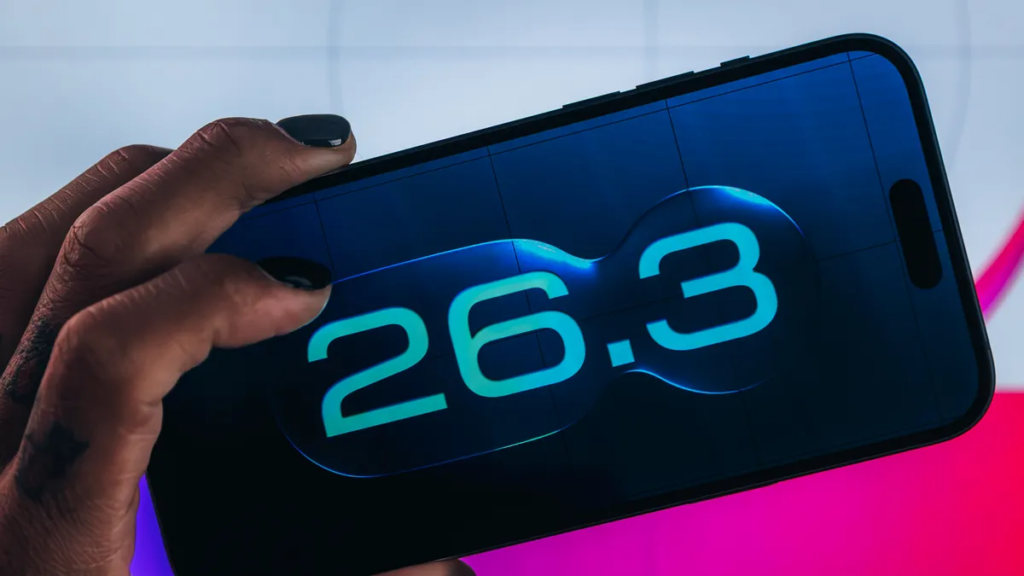
Apple has introduced an intriguing feature in the iOS 26.3 beta that simplifies transferring data from an iPhone to an Android device. This new tool is designed for users considering a switch but wary of the traditionally complex migration process.
The feature is accessible via Settings under General > Transfer or Reset iPhone, where users find the option “Transfer to Android.” By following simple on-screen instructions, users can move photos, messages, and apps seamlessly to an Android phone. This development marks a notable step in Apple’s evolving relationship with Google, collaborating to enhance cross-platform user experience.
Despite the convenience, I personally won’t be adopting this feature. I prefer sticking with pure iOS environments and do not see a need for the switch assistance. However, for Android enthusiasts or those curious about exploring Android’s ecosystem without losing data, it offers a straightforward solution.
Beyond data transfer, iOS 26.3 beta also introduces notification forwarding to non-Apple smartwatches, such as Samsung’s Galaxy Watch 8. Navigating to Settings > Notifications > Notification Forwarding allows notifications to be sent to one accessory at a time, though this disables notification delivery to the Apple Watch while active.
Developers and beta testers can experiment with these options now, but with the OS still in beta, stability and battery performance issues may occur. Apple has not announced the final release date for iOS 26.3, but early availability is expected in the first months of the year.
Overall, this update highlights Apple’s subtle shift toward interoperability, easing transitions and expanding device compatibility. While I won’t employ the Android transfer tool myself, it provides a valuable convenience for users bridging the gap between iOS and Android platforms.