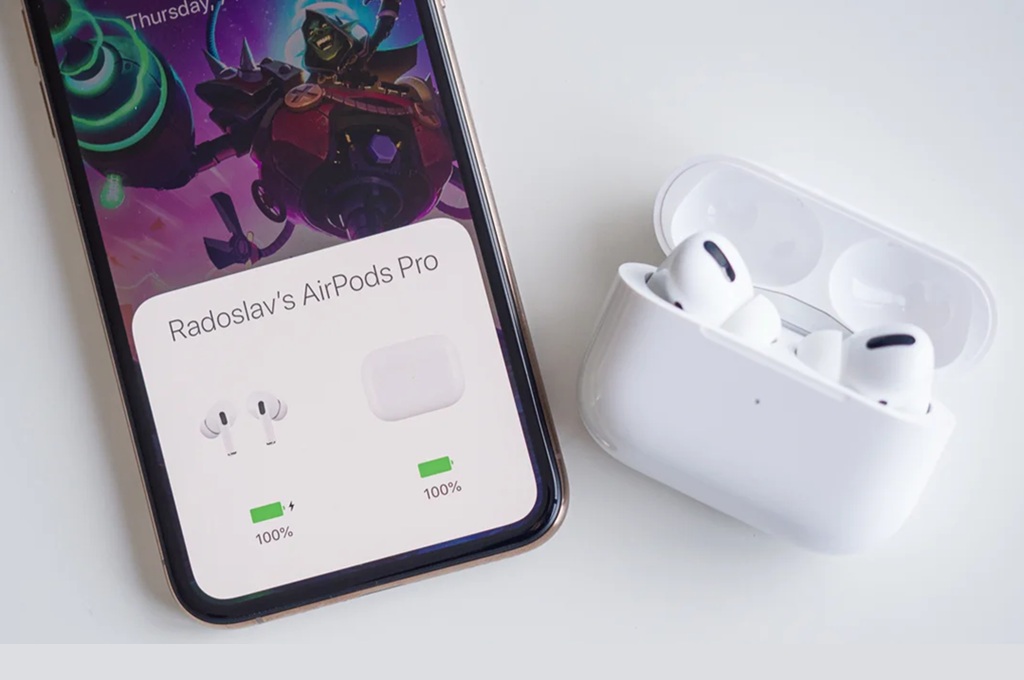
Apple appears to be steering iOS 27 toward a more practical kind of refinement, with changes that target two familiar friction points on the iPhone. The update is said to focus on making AirPods settings easier to reach and the Home Screen editing experience less awkward.
That direction suggests Apple is not only chasing visual changes. It is also trying to clean up parts of iOS that users handle often, especially when they want quick access or simple control without digging through layers of menus.
A simpler path to AirPods settings
One of the reported goals in iOS 27 is to reorganize the AirPods settings panel. At present, some features are seen as too deeply buried and not always intuitive for everyday users.
Apple is said to be restructuring that area so important controls can be reached faster. The point is to reduce the number of extra menus a user has to open before finding what they need.
The shift makes sense as AirPods have grown beyond basic wireless earbuds. They now sit closer to the center of Apple’s ecosystem through features such as Adaptive Audio, Conversation Awareness, and Hearing Aid.
As more functions are added, a clearer settings layout becomes more important. iOS 27 appears to be aimed at making that part of the experience cleaner and easier to manage.
Undo and Redo come to Home Screen editing
Another reported change is headed to the iPhone Home Screen editor. When people manually rearrange icons and widgets, the layout can shift in ways that leave the final result different from what they intended.
To address that, iOS 27 is said to add Undo and Redo buttons directly in the Home Screen edit menu. That should let users reverse a mistake quickly instead of rebuilding the layout from scratch.
The change may sound small, but it could matter for anyone who frequently adjusts the look of the Home Screen. Apple has given users more room for personalization in recent iOS versions, and that flexibility can also make manual setup more prone to accidental changes.
With Undo and Redo in place, the process should feel safer and less frustrating. Users would gain more confidence while experimenting with different icon and widget arrangements.
A broader push for everyday usefulness
Taken together, the two updates point to a wider Apple priority in iOS 27. The emphasis seems to be on smoothing out daily interactions rather than introducing flashy features that only get used occasionally.
That approach could make the system feel more organized and less confusing in routine use. It also fits a version of iOS that pays attention to small annoyances that tend to build up over time.
At the same time, iOS 27 is also expected to be a major moment for Siri and Apple Intelligence. Apple is reportedly preparing a newer version of Siri with more natural conversation and deeper cross-app integration.
Rumors suggest Siri 2.0 will understand context better and pull information from Apple apps more effectively. The apps mentioned include Mail, Calendar, Maps, and Wallet.
If those changes arrive as expected, iOS 27 would combine interface cleanup with stronger intelligence features. The result would not only be a tidier iPhone, but also one that feels easier to use in everyday tasks.
Apple is expected to unveil iOS 27 at WWDC 2026, scheduled for June. A developer beta may become available soon after the keynote ends.
Source: www.medcom.id