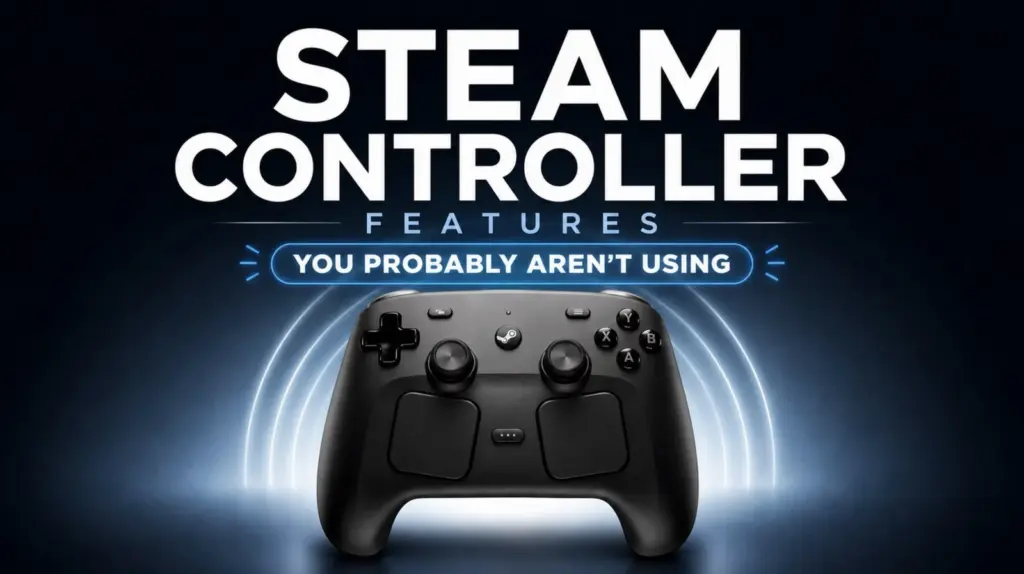
Steam Controller still has more depth than many players use, especially for games that demand fast decisions and dense input layouts. Its hidden configuration tools can turn one control surface into a multi-purpose command hub without forcing players to rely on the limited number of physical buttons.
The most useful part is that these options do not only add more commands. They also let the controller change behavior by context, making control schemes feel less rigid during exploration, combat, stealth, or vehicle sections.
Virtual menus expand what one input can do
One of the standout features is the virtual menu. It lets several commands live on a single input area such as the trackpad, so players can reach weapons, abilities, or inventory actions more quickly.
This is especially valuable in games with complex controls, where the controller’s physical buttons alone may feel restrictive. The layout, size, and sensitivity of the menu can also be adjusted, which helps keep selections accurate even during fast gameplay.
Steam Controller can also place more than one virtual menu on the same trackpad. That gives players more room to organize different command groups around the needs of a specific game.
Control schemes can switch by situation
Beyond menus, action sets allow separate control configurations to exist on the same controller. One set can support exploration, while another can be built for combat or another gameplay phase.
These action sets can be tied to a button or trigger, so the controller can shift modes without interrupting play. That makes it easier to move between situations that require different inputs.
Input layer works differently. Instead of replacing the full layout, it temporarily changes only specific inputs on top of the main configuration. That makes it useful when a game needs context-sensitive control behavior.
A trigger hold, for example, can alter the function of face buttons or the trackpad during stealth or vehicle control. Both systems also support inherited controls, which keeps unchanged inputs consistent and reduces confusion.
One button can trigger multiple actions
Steam Controller also supports multiple action bindings, letting a single input perform more than one command. In some cases, the action can differ depending on whether the button is pressed or released.
That approach is useful in games that require quick sequences, such as aiming and then reloading. It also becomes more flexible when combined with double press and long press behavior.
The result is a cleaner layout. Players can fit more functions into fewer inputs, which reduces the need to constantly rearrange controls while playing.
Precision settings shape how the controller feels
The advanced input options also include sensitivity, dead zone, and double-tap timing adjustments. These settings help the controller respond more closely to the player’s needs.
That matters most in games where accuracy is important. Reducing accidental input and improving response consistency can make a noticeable difference in complex or competitive play.
The trackpad plays a central role in that system. Compared with a traditional joystick, it offers a different control style that can be tuned for fast movement or finer precision.
Sensitivity can be adjusted by genre, with quicker response for fast games and smoother control for strategy or simulation. The trackpad also includes haptic feedback settings, which provide tactile confirmation and make interaction feel more intuitive.
Built-in tools help when configurations go wrong
Heavy customization can sometimes create input conflicts or settings that do not behave as expected. Steam Controller includes built-in troubleshooting tools to check how each input functions.
Players can review their configuration to find overlapping commands, and test tools can confirm whether each button or input area is responding properly. If problems continue, the controller can be returned to default settings.
That creates a clean starting point for building a new layout. For players willing to experiment, the controller still offers a wide range of customization options, from simple setups to highly specific control schemes built for different in-game situations.
Source: www.geeky-gadgets.com