


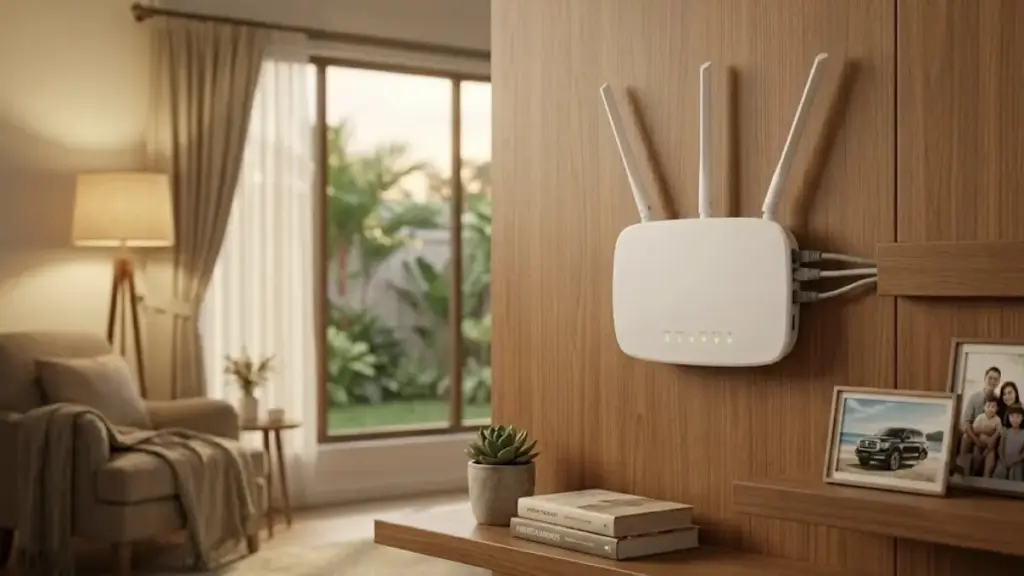
Weak home Wi-Fi does not always point to a problem with the internet plan. In many homes, the real issue is a router that is placed poorly and antennas that are angled without considering how the signal actually spreads.
Simple adjustments to antenna direction and router location can make a noticeable difference in stability. The changes cost nothing and may be more effective than buying a new device too early.
Why antenna direction matters
One of the most common mistakes is assuming that every antenna should stand straight up. That setup is often treated as the default, even though Wi-Fi signal patterns are shaped by antenna orientation.
For a single-story home, a vertical antenna position is generally the most effective. This helps the signal spread more evenly across rooms at roughly the same height.
That layout fits the way most home devices are used. When the signal spreads more horizontally, the connection is usually more stable across the house.
Multi-story homes need a different approach. In that case, antennas can be set at an angle of around 30 degrees or arranged like an upside-down “V.”
This combination of vertical and horizontal directions helps distribute the signal to areas above and below the router. It is a practical way to improve coverage without adding a signal booster.
Router location can shape coverage
The router’s position matters just as much as the antenna angle. The ideal placement is near the center of the home so the signal can spread more evenly in every direction.
Center placement gives each room a more balanced chance of receiving the signal. It also reduces the risk of creating areas that are hard to reach.
By contrast, placing the router in a corner or next to an exterior wall can waste a large part of the signal outside the building. That often leaves some indoor areas with weaker reception.
This is one of the main reasons dead zones appear in a home network. A router placed in the wrong spot can make the connection feel far less reliable than it should be.
Height also plays an important role. A router should be placed on a table, cabinet, or wall shelf that sits above the floor.
A higher position allows the signal to travel more freely through the room. It also reduces interference from furniture and other objects nearby.
Keep away from obstacles and interference
Physical barriers can weaken Wi-Fi even when the router is in the right general area. Large mirrors, metal doors, and thick concrete walls can block or reflect wireless waves.
The more obstacles between the router and devices, the greater the chance of a drop in connection quality. That is why open placement tends to work better than hiding the router behind furniture.
Nearby electronics can also interfere with the signal. Microwaves, refrigerators, and baby monitors are among the devices that often operate near the 2.4 GHz band.
If these devices are too close to the router, signal disruption can occur and the connection may become unstable. Keeping them farther away helps reduce that risk.
In practice, slow Wi-Fi is often caused not by the internet service itself, but by how the signal moves inside the house. Small adjustments can therefore improve everyday browsing, streaming, and general connectivity.
When the antennas are set to match the home layout, the signal can reach areas that were previously weak. When the router sits in the middle of the house and at a better height, coverage becomes more even.
These steps require no additional spending and can be tried before replacing hardware. The goal is a wider signal range and a more stable connection in more parts of the home.
With the antennas aligned correctly, the router kept clear of obstacles, and interference sources moved away, the network usually performs better. That can make home internet feel far more dependable from room to room.