


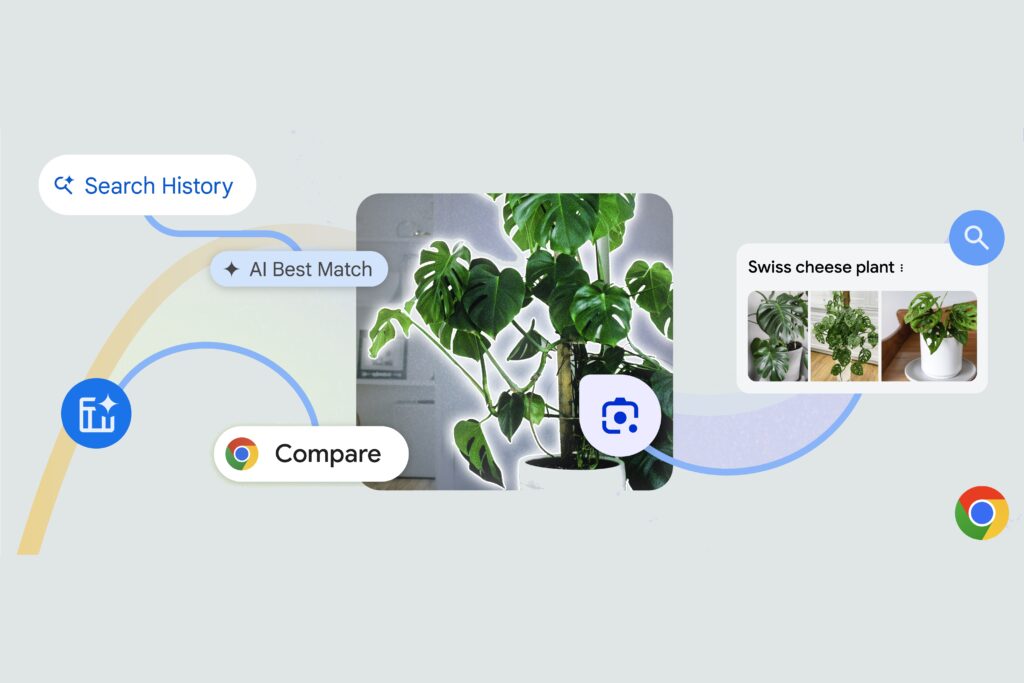
Google is preparing a new way to pull visual information from Chrome, and the change could make the browser feel much closer to Circle to Search on mobile. The company is testing a panel-side Ask Gemini feature that lets users select a specific part of the screen and send it directly for AI analysis.
The shift matters because Chrome already offers visual search through Google Lens, but Lens routes results into Search. Ask Gemini is being positioned as a smarter alternative that keeps the experience inside the browser and moves the selected content into a conversation instead.
A different path from Google Lens
At present, Chrome users can already highlight text or images for visual search through Lens, or search an entire page. That workflow is useful for traditional search, but it still depends on Search results as the destination.
Ask Gemini changes that destination. Instead of opening a search results page, the selected screen area is expected to become part of a Gemini chat in Chrome’s side panel.
The early signs of this feature were first spotted in March, when browser analyst Leopeva64 found that Google was working on a screen-selection overlay that was not yet active. PiunikaWeb has now noted that the feature appears to be getting closer to real use, at least in Chrome Canary.
How the new flow is taking shape
In the current implementation, users can reach the function through Add attachments and then Select from screen. That route suggests Google is treating the screen selection as a visual attachment for a Gemini conversation.
Leopeva64 previously found that Google is also preparing a dedicated shortcut for faster access. If that appears in the final version, users may not need to open the side panel first before selecting content on screen.
Once active, the feature is expected to let users circle or drag across text and images on the screen. The interaction closely mirrors the mobile-style feel of Circle to Search, but it is being adapted for Chrome and Gemini.
The marked area is then added to the Ask Gemini chat as a screenshot, and multiple screenshots can be included in the same conversation. From there, users can start a Gemini search immediately without writing a prompt, or add their own prompt to make the request more specific.
Why the feature could matter in daily browsing
For Chrome users, this could make visual search more flexible than a standard search results page. Instead of relying only on broad queries, users would be able to send a precise visual context to AI and ask for a more focused response.
The approach is also useful when a visual question is too complex for a normal Search lookup. A page can contain mixed text, images, and context, and an AI chat can make it easier to explore those details together.
Because the screenshots stay in a single Gemini conversation, users can continue the discussion in the same window. That also opens the door to comparing multiple visual elements or asking Gemini to interpret the relationship between different captures.
Still early, but the direction is clear
Even with these signs in Canary, the feature is not broadly available yet. Reports indicate that the behavior is still not active for all Canary users, which suggests the rollout remains in an early testing phase.
Google has not positioned it as a finished tool for the entire Chrome audience. Still, the direction is clear: Ask Gemini is being shaped into more than a simple Q&A panel, with screen-based visual search emerging as part of the browser experience.
If the implementation becomes stable, Chrome users could eventually select part of a page, send it to Gemini, and keep digging into the answer without leaving the tab they are already on.