


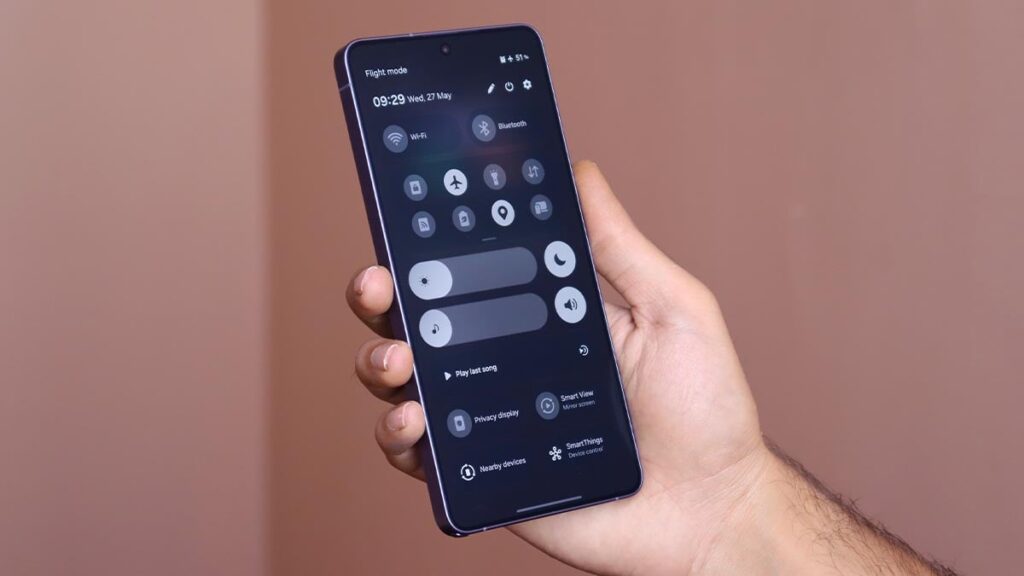
Samsung has started adding a live network speed indicator to Galaxy phones, a small but practical feature that many Android rivals have supported for years. The update arrives through the QuickStar module in Good Lock alongside One UI 9.
For everyday use, the change matters because it shows internet speed directly in the status bar. That makes it easier to tell whether a slow video, a stalled download, or another glitch comes from the network or from the app itself.
How the feature works on Galaxy
The indicator works on both mobile data and Wi-Fi connections. It updates in real time and automatically switches units between Kbps, Mbps, and Gbps depending on current throughput.
That means users can check upload and download activity without opening a separate app. Since the indicator sits in the status bar, it remains visible while other apps are in use.
The feature is currently available on the Galaxy S26 running the One UI 9 beta. The stable version of One UI 9 for the Galaxy S26 is scheduled to arrive this summer, and the same feature should then spread to older Galaxy models as One UI 9 rolls out more broadly.
Why this update stands out
The addition shows Samsung catching up with a feature that has long been standard on several Android brands. Motorola, OnePlus, Nothing, and many others have already included similar indicators as part of their built-in software.
Google Pixel devices are also still missing a native network speed indicator. While Play Store apps can add the same function, a system-level option is generally more convenient for users who want the information always visible.
How to enable it in One UI 9 beta
Galaxy S26 users already on the One UI 9 beta need to install Good Lock from the Play Store or Galaxy Store first. After opening the app, they must go to Plugins, select QuickStar, and turn it on before entering Visibility of indicator icons and enabling Network Speed.
Once switched on, the indicator appears immediately in the status bar. That setup shows the feature is still tied to Samsung’s customization tools rather than a simple toggle in the main settings menu.
SammyGuru was among the first to highlight the change, noting that Samsung is still delivering some advanced interface controls through Good Lock modules. QuickStar is also gaining another new option, letting users turn the Ongoing Chip on or off.
The Ongoing Chip controls status icons for activities that are still running on the device, including phone calls, voice recording, timers, and similar tasks. For some users, that added control can help keep the top of the screen cleaner without removing useful information.
Even if the feature seems minor, it addresses a common need when connections are unstable. If a video buffers or a download slows down, the live speed readout can quickly show whether the network is struggling at that moment.
Samsung has not yet expanded the feature across the full Galaxy lineup, but the rollout path is already clear. It starts with the Galaxy S26 beta, moves to the stable One UI 9 release for the same model, and then reaches older Galaxy phones as the update continues to spread.