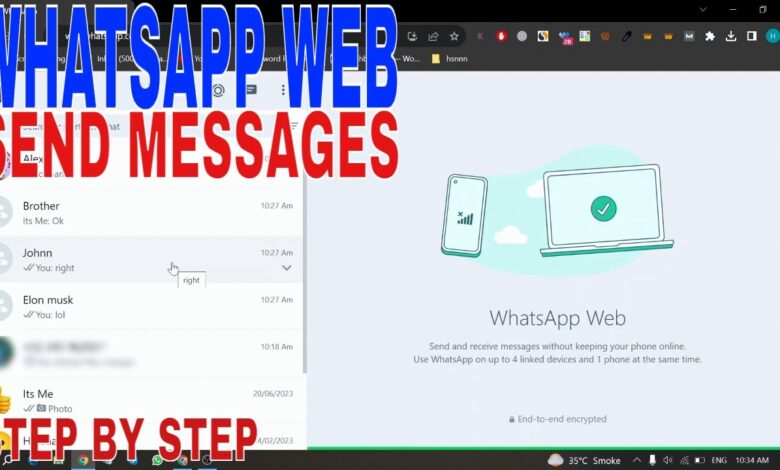
WhatsApp Web is moving toward a more serious role on laptops and desktop computers, with new features under testing that could change how people send, search, and manage messages without relying entirely on a phone.
For many users, especially those handling work chats and multiple conversations at once, the desktop version is no longer just a companion app. It is becoming a communication space that needs speed, order, and stability.
A larger role for the desktop experience
WhatsApp has continued updating its web service through 2026, with a clear focus on a more comfortable interface, better chat organization, and communication tools that used to feel tied to mobile use.
The shift is built on multi-device support, which allows an account to stay accessible across several devices even when the main phone is not always connected to the internet.
| Area Under Development | What It Aims to Improve | Likely Benefit |
|---|---|---|
| Interface design | Cleaner, more modern layout for large screens | Faster navigation on laptops |
| Chat management | More flexible categories, filters, and search | Easier handling of busy inboxes |
| File sharing | Faster sending and larger file support | Smoother work collaboration |
| Calls | More stable voice and video performance | Better desktop meetings and long-distance calls |
Chat organization is being rebuilt
One of the most noticeable changes under testing is a refined interface. Reports from media outlets that closely track WhatsApp updates say the company is testing a more modern design that is better suited to large screens.
The redesign is not only about appearance. Menu placement is being adjusted so switching between conversations, reaching features, and moving around the app should feel quicker on a laptop.
Chat management is also expected to become more flexible, with categories, message filters, and faster ways to locate important conversations.
Sending files on a laptop may feel more natural
The biggest practical change for desktop users may come from how files are shared. WhatsApp is said to be improving the process for documents, photos, and videos so transfers can happen more quickly and support larger file sizes.
For work users, that can reduce the need to jump to other services every time material needs to be sent. The desktop app would then handle a larger share of everyday collaboration.
Syncing between devices is also expected to become smoother, making it easier to move from a smartphone to a laptop and continue a conversation without friction.
Calls and AI are also part of the plan
WhatsApp Web is not focusing only on text messages. Voice and video calls are also being improved in test versions, with attention on better stability through modern computer hardware.
If that development reaches a wider release, remote meetings and long-distance communication through WhatsApp Web could become noticeably more comfortable.
Meta is also developing AI-based features across its apps, including WhatsApp, with potential help for searching inside conversations, suggesting writing, and managing large volumes of messages.
Those AI tools are still in development and are not yet available to everyone. If they roll out more broadly, they could become one of the biggest changes in how WhatsApp Web is used for work and business.
Security remains the foundation
Even as the desktop version gains more capability, WhatsApp says security remains central. End-to-end encryption is still in place so only the sender and intended recipient can read a conversation.
Device authentication is also being strengthened, which matters more as account access happens across more computers and other devices rather than one main phone.
Business users are likely among those who benefit most from these changes, since a fuller desktop interface and better multi-chat handling can make customer management more efficient on a computer.
Not every feature seen in testing will reach all users at once. WhatsApp usually rolls out updates gradually to keep the system stable before a wider release.
That means some people may only notice certain changes after a delay, and keeping the browser updated remains important for the best compatibility with WhatsApp Web and its newest features.