


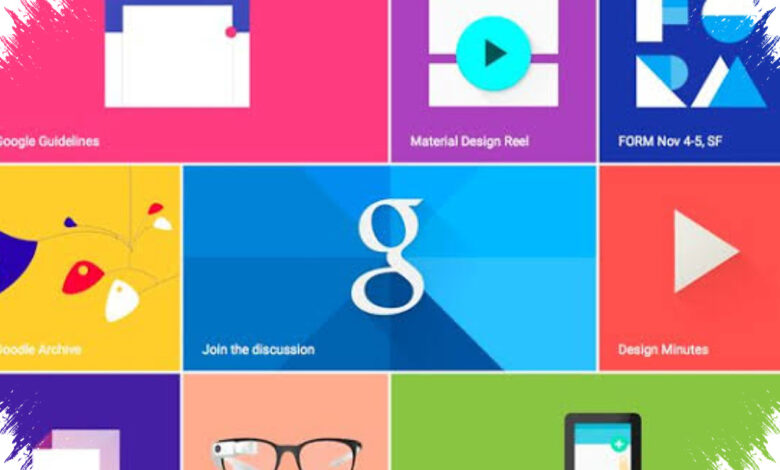
Google Material Design is often misunderstood as a stand-alone app that can be installed directly on a phone. In practice, it is a design standard that shapes how apps and websites look and behave, making interfaces more consistent and easier to use.
That distinction matters because searching for “install” options in the Play Store can lead to confusion. For most users, the real way to access Material Design is through a browser, while developers apply it inside Android projects with the right tools and libraries.
What Material Design actually does
Material Design provides guidance for color, typography, icons, layout, motion, and interface components. It covers the building blocks that developers use most often, including buttons, menus, cards, and navigation elements.
According to mediaindonesia.com, Google Material Design is a standard interface framework used across many Android applications. Its main value appears in the everyday experience of using apps that follow Google’s design principles, not in installing a single dedicated application.
How it can be accessed or used
| Method | Main Step | Purpose |
|---|---|---|
| Search for a related app | Look for Material Design or Material Design 3 in Google Play Store and tap Install | Find apps related to Material Design |
| Use a browser | Open Google’s official Material Design site on a phone browser | View UI components and design guidance |
| Build an Android app | Install Android Studio, create a new project, then add Material Components or Material 3 libraries | Apply Material Design in app development |
| Update Google apps | Open Play Store, go to Manage apps & device, then update available Google apps | Keep Google apps up to date |
What phone users should understand
The closest step for ordinary phone users is to open Google Play Store and look for apps connected to Material Design. Even so, the more common use case is browsing the official documentation or working with it through Android development on a computer.
If the goal is to study interface design, the official Material Design website is the more relevant reference. If the goal is to build an Android app, Android Studio and the Material Components or Material 3 libraries are the practical route.
In other words, Google Material Design is not a feature that stands alone on a phone. It is a design framework that helps many apps look consistent, and that is why the Play Store search should be understood carefully.