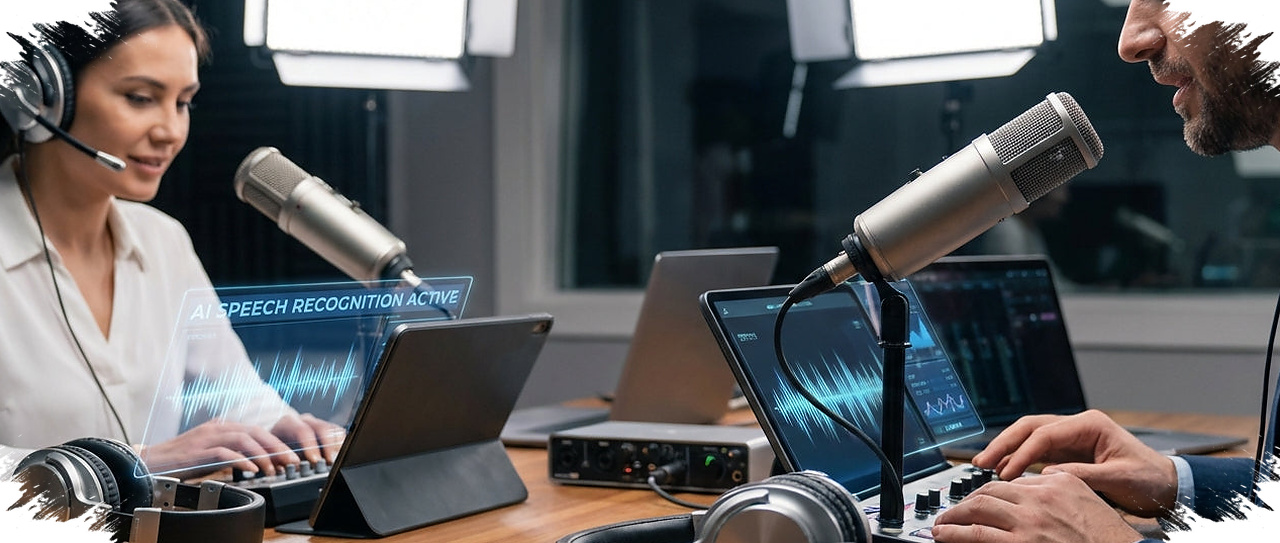
For anyone who needs to turn spoken content into text without sending files to an online service, Vibe offers a practical option on the computer. The free app processes audio and video locally, which means the recordings stay on the device instead of being uploaded to the cloud.
That local workflow makes the app especially relevant for sensitive material such as internal meetings, interviews, or research notes. It also removes dependence on a stable internet connection, so transcription can continue even when the network is slow or unreliable.
Local processing is the main advantage

Vibe stands out because it is free and open-source, while also working fully offline. Unlike many web-based transcription tools that route files to external servers, this approach keeps more control in the hands of the user.
That difference matters when a recording contains private information, business discussions, or other material that should not leave the computer. By keeping everything on the device, Vibe reduces the need to trust outside services with the source file.
Built around Whisper from OpenAI
The app uses Whisper from OpenAI to generate transcriptions in many languages. According to the source material, the model remains effective even when the audio includes background noise or rapid speech.
That capability is important in everyday use, because real recordings are often imperfect. Overlapping speakers, noisy environments, and fast-paced conversation can all make transcription harder, so a stronger engine helps produce text that is still usable and readable.
Simple setup across major desktop platforms
Vibe is available for Windows, Mac, and Linux, giving it broad desktop support across the three main operating systems. This makes it accessible to students, creators, researchers, and professionals who work on different kinds of computers.
The workflow is also intentionally straightforward. After installation, users only need to drag and drop a file into the app, and Vibe begins processing without requiring complicated technical steps.
Features that support day-to-day transcription work
The app is not limited to basic speech-to-text conversion. It also includes functions that help users manage and repurpose transcripts more efficiently.
Key capabilities include:
- Support for audio and video files
- Drag-and-drop upload
- Export to plain text and subtitle formats
- Speaker identification in multi-speaker recordings
- Automatic summaries for long recordings
- Translation of audio into English
Speaker identification is particularly useful for interviews, panel discussions, and team meetings, where clear labels make the transcript easier to review. Automatic summaries can also save time when the recording is long and only the main points are needed.
Useful beyond meetings and interviews
Vibe can fit a wide range of use cases. It may help with meeting notes, interview transcripts, YouTube captions, media projects, and academic research.
Subtitle export adds value for content creators who want to streamline video production. At the same time, students and researchers can use the app to document lectures or interviews more efficiently, especially when they need a local tool that does not rely on internet access.
What users should keep in mind
The combination of free access, open-source development, and offline operation is the strongest draw of Vibe. With multilingual transcription and desktop support across major systems, it offers a useful option for users who want privacy and convenience in the same tool.
Performance, however, still depends on the computer being used. Larger files and longer recordings will follow the speed of the hardware, and older devices may take more time to finish the transcription process.
Because the app works offline, updates and support may also require manual downloads from the developer’s website. Even so, Vibe remains notable for combining local transcription, speaker detection, summaries, and English translation in one desktop application.
Source: www.geeky-gadgets.com