


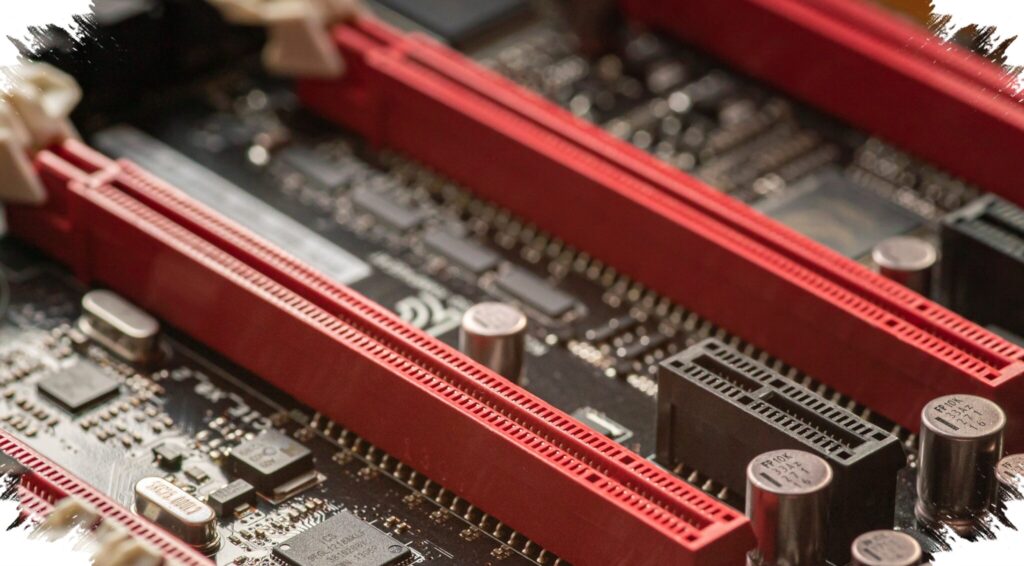
A seemingly empty PCIe x1 slot ended up doing more for this older PC than a motherboard replacement might have. By turning that unused space into a dedicated networking upgrade, the system gained steadier internet access, more reliable Bluetooth, and a cleaner desk setup.
The computer itself was still capable enough for everyday work, but its connectivity had become a series of compromises. Ethernet was available, yet it depended on an indirect setup, while Bluetooth relied on a small USB dongle that was easy to disrupt.
A network setup built on compromises
The PC sat on an upper floor, while the router was downstairs. To make the connection work, a Wi‑Fi repeater was placed near the machine and an Ethernet cable was run from the repeater to the desktop.
That arrangement worked in practice, but it still leaned on Wi‑Fi behind the scenes. Speeds hovered around 50 to 60 Mbps, and latency could fluctuate depending on network activity.
The setup also made the machine feel fixed in place. Because of the cable routing and device placement, moving the PC during a desk rearrangement was not convenient.
Bluetooth was no better. The USB dongle at the back of the case had to send its signal through metal, furniture, and surrounding objects before it could reach connected devices.
A single upgrade that solved two problems
The original goal was to improve Bluetooth, but the final choice addressed both wireless networking and short-range connectivity at once. A PCIe Wi‑Fi card can handle Wi‑Fi over the PCIe bus while also providing Bluetooth through an internal USB connection.
That type of card also uses external antennas. Compared with small antennas hidden behind a case, they can be positioned more openly, which helps reception.
The model chosen was the TP-Link Archer TX3000E. It supports Wi‑Fi 6 and Bluetooth 5.2, and it uses an Intel AX200 chipset, which was the main reason for the selection because it tends to work well across different systems.
Installation was simple, but the details mattered
Physically, the upgrade took only a few minutes. The card was inserted into a PCIe x1 slot and secured with a screw.
One easily missed step was the Bluetooth cable. The card needed a connection to the motherboard’s 9-pin header, and without it the Wi‑Fi portion would still function while Bluetooth would not.
After the hardware was installed, another issue appeared. On Windows, old Bluetooth pairing data tied to the previous dongle remained in the system and caused ghost entries that were partly unusable and partly impossible to remove. The issue did not appear on Linux, although that platform has its own driver-related challenges.
Cleaning up the old pairing data
The fix required a more deliberate reset. The new Bluetooth driver was removed, the old dongle was reconnected, all paired devices were cleared, the dongle was unplugged again, and then the new driver was installed once more.
After that process, pairing worked normally again. The mouse no longer froze, and wireless headphones returned to stable operation without audio interruptions.
The change also improved speed. Internet performance nearly doubled compared with the repeater-based setup, and antenna placement played a major role in that improvement.
Why the overlooked slot mattered
The unused PCIe x1 slot had been sitting there since the PC was assembled. For years, it was little more than an empty opening in the backplate, until it was finally put to use for a problem that had been lingering.
The card also brought a practical hardware advantage over a tiny USB dongle. Unlike small adapters with almost no heat dissipation, it has a dedicated heatsink and sits within the case’s airflow path.
That made the upgrade about more than benchmarks or convenience. It turned a neglected slot into the most useful part of the machine’s connectivity setup, without the cost or complexity of replacing the motherboard.