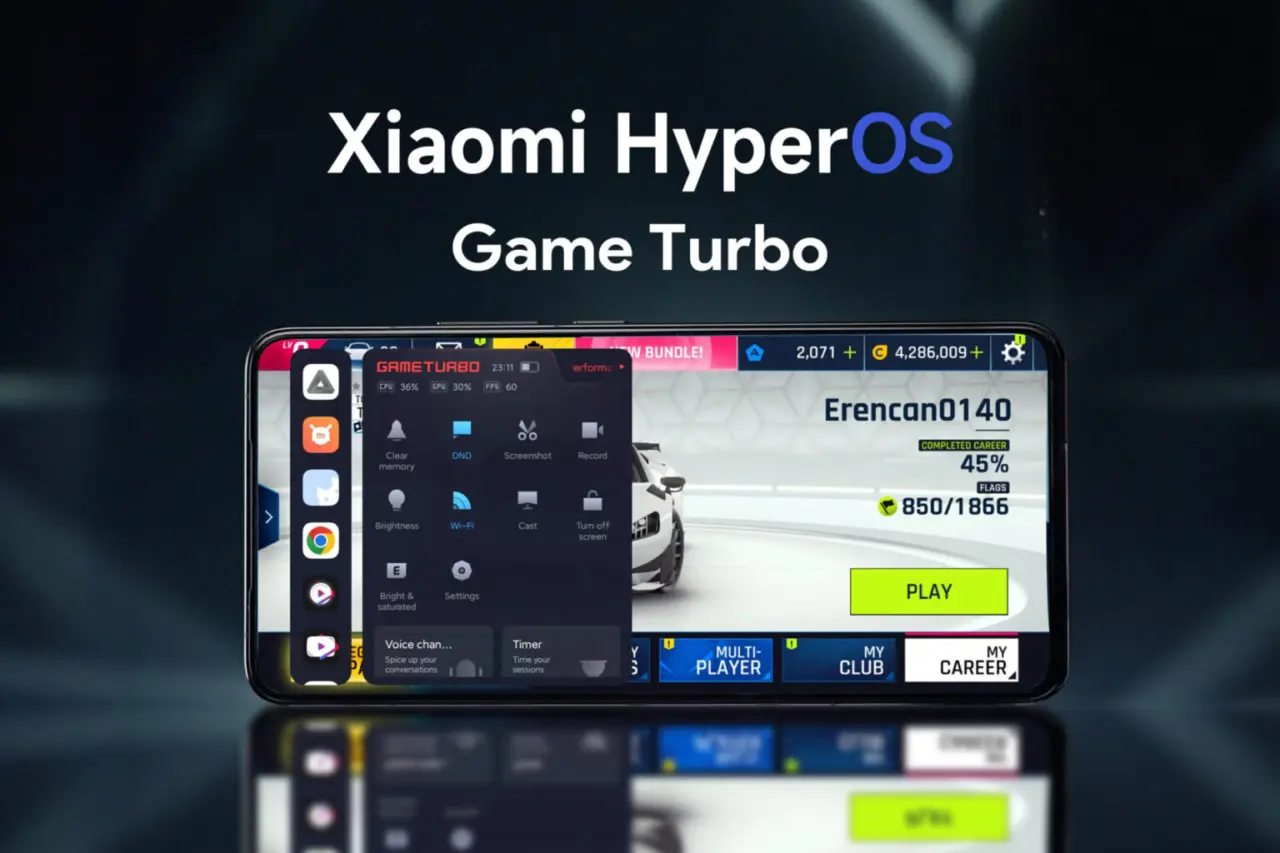
Many Xiaomi, Redmi, and POCO users rely on Game Turbo to boost their gaming performance. However, many have yet to fully unlock its potential to stabilize FPS during heavy games like Genshin Impact or PUBG Mobile.
Game Turbo is a built-in feature in MIUI and HyperOS that prioritizes system resources toward gaming. It intelligently allocates CPU, GPU, RAM, and network bandwidth to ensure smoother gameplay and reduced lag.
In standard mode, Game Turbo already improves performance. Yet, background apps like social media or messaging can still consume memory and processing power. This often leads to FPS drops and stutters during intensive gameplay sessions.


How to Optimize Game Turbo for Stable FPS
- Access Game Turbo via the Security app or device Settings.
- Navigate to the "Performance" section, then find the "Memory Exceptions" menu.
- Select apps that you want the system to forcibly close when launching games.
Enabling this setting frees up RAM and lightens CPU load by shutting down non-essential background apps automatically. This results in a more consistent frame rate and less chance of sudden lag during gaming.
Benefits of Background Optimization
When background apps are limited, your phone dedicates more resources to the game. This allows for smoother graphics rendering and reduces FPS fluctuations. It also prevents distracting notifications from interrupting gameplay, enhancing focus and immersion.
Moreover, this optimization prevents devices from overheating by keeping system workload more balanced and controlled, especially on mid-range Xiaomi, Redmi, and POCO models equipped with Snapdragon or MediaTek Dimensity chipsets. While flagship phones also benefit, devices with less RAM gain the most noticeable improvements.
Why Use Xiaomi’s Built-In Game Turbo?
Many gamers resort to third-party apps to boost performance, but Xiaomi’s native Game Turbo feature is often sufficient. It intelligently manages resources without additional software, making it safer and more efficient.
Game Turbo goes beyond simple resource allocation. Activating Memory Exceptions is a straightforward tweak with significant impact on gameplay experience. Users enjoy heavier titles with stable frame rates and minimal interruptions just by using these built-in tools correctly.
By mastering Game Turbo’s functions, Xiaomi users transform their devices into powerful gaming tools. This optimization is essential for anyone wanting smooth and uninterrupted sessions on demanding mobile games without complexity.