


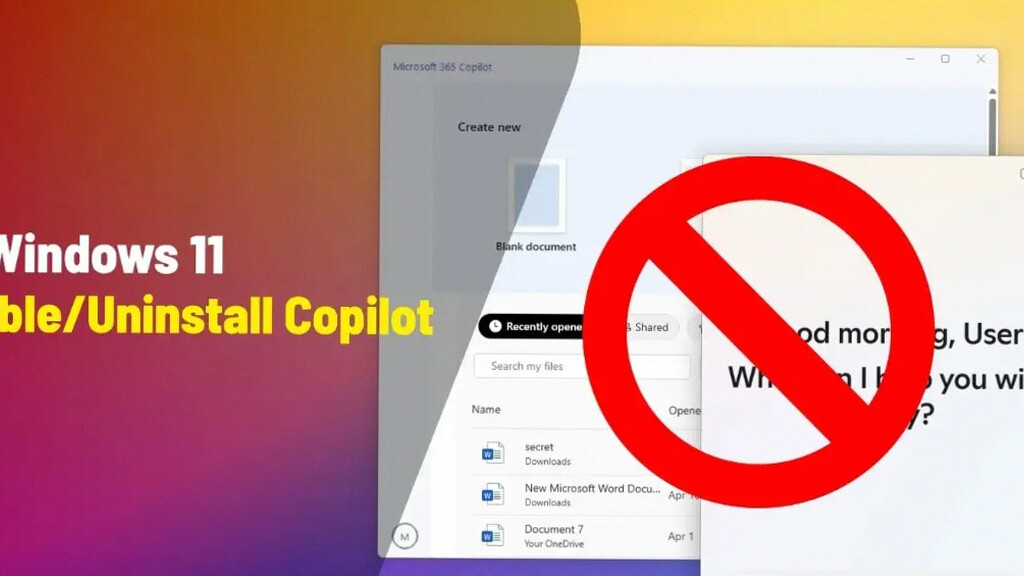
Microsoft has introduced a new option that allows users to remove the Copilot app from Windows 11. This change comes after widespread feedback from users who felt the AI assistant was forcibly integrated into the operating system. Now, administrators can uninstall Copilot under specific conditions, marking a shift toward user control over AI features.
The update is included in Windows 11 Insider Preview Build 26220.7535 (KB5072046), available on both the Dev and Beta channels. Through a policy named RemoveMicrosoftCopilotApp, system administrators can disable and uninstall the Copilot app on supported devices, enhancing customization options for enterprise and educational users.
Limited Availability by Edition
Currently, the option to remove Copilot is not globally accessible to all Windows 11 users. It only applies to devices running the Pro, Enterprise, or EDU editions. Home edition users remain without this ability. This selective availability highlights Microsoft’s targeted approach to balancing AI integration with organizational needs.
Additionally, there are several strict technical criteria that devices must meet to successfully uninstall Copilot:
- The device must have both Microsoft Copilot’s free app and the paid Microsoft 365 Copilot installed simultaneously.
- The Copilot app should not have been launched even once during the last 28 days before the policy is applied.
- Auto-start for Copilot must be disabled to ensure the app remains inactive in the background.
These requirements are quite demanding. Since Copilot generally activates automatically when users sign in, many devices likely do not meet the 28-day inactivity rule, limiting the number of machines that can apply the removal.
How to Remove Copilot Using Group Policy Editor
Administrators with full device control can execute the removal by following these steps:
- Open the Group Policy Editor on the Windows 11 device.
- Navigate to User Configuration > Administrative Templates > Windows AI.
- Enable the policy labeled Remove Microsoft Copilot App to initiate removal.
This method focuses on the free version of Copilot. However, experts note that the more advanced Microsoft 365 Copilot remains deeply integrated and isn’t easily removed through this procedure. Thus, some Copilot components may persist even after uninstalling the basic app.
Context Behind Microsoft’s Decision
Microsoft’s decision to allow Copilot removal addresses user concerns about forced AI features. Many customers voiced privacy and performance worries, arguing that an AI assistant running constantly could be intrusive or unnecessary.
Last year, a bug unintentionally removed Copilot from some systems. Users responded positively, with some saying, “At least the useless Copilot is gone from my device.” This incident underscored the demand for greater user autonomy over AI features.
Despite offering this flexibility, Microsoft continues to embed AI in other key Windows functions like search and personalized recommendations. This signals the company’s long-term strategy to integrate AI deeply into the Windows experience, while granting limited control to users and administrators.
In summary, Microsoft’s new policy provides a measured response to feedback by enabling Copilot removal on certain editions and under strict conditions. This development enhances user choice without abandoning its AI vision in Windows 11. Users and organizations with Pro, Enterprise, or EDU editions should evaluate eligibility requirements and administrative controls to decide if removing Copilot fits their needs.