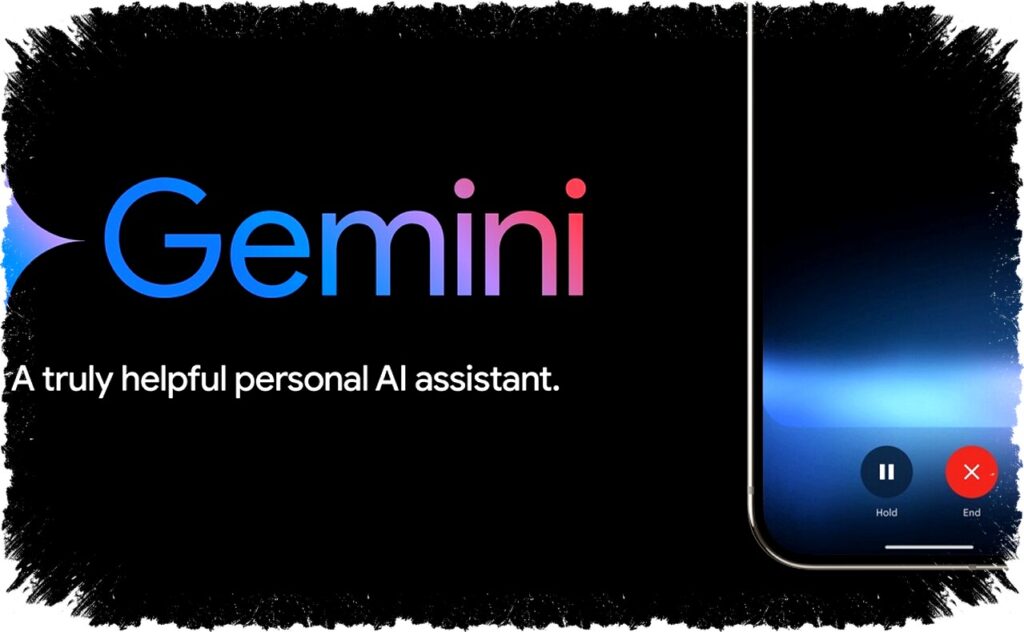
Gemini Live is an innovative feature that enables users to interact directly with artificial intelligence (AI) via visual input on Android devices. By using the phone’s camera or screen sharing function, this AI responds naturally to what the user sees, enabling a dynamic and interactive experience.
This feature supports over 45 languages, making it accessible to a wide range of users globally. Developed to analyze data in real-time, Gemini Live assists in tasks such as room arrangement, generating creative ideas, shopping advice, and troubleshooting device issues.
How to Use Gemini Live on Android
Open the Gemini App
Begin by opening the Gemini app installed on your Android device. Activate Gemini Live by either saying “Hey Google, let’s talk Live” or tapping the ‘Live’ icon at the bottom of the app’s interface.Grant Permissions
On the first use, you will be prompted to allow access to your camera and to share your screen. Ensure these permissions are granted for the feature to operate smoothly.Choose Video or Screen Sharing Mode
Select your preferred mode by tapping ‘Turn on video streaming’ to activate the camera or ‘Turn on screen sharing’ to share your screen display.- Engage with AI
Once activated, Gemini Live will analyze live visuals or your current screen content. You can ask the AI for suggestions, such as organizing a messy room or recommending products while browsing online stores.
Gemini Live’s real-time analysis allows users to multitask seamlessly, as screen sharing stays active while you continue to scroll through apps or websites. Meanwhile, the camera mode includes a viewfinder to aim at the object or scene you want to inquire about.
Free Access to Gemini Live Features
Previously, the camera and screen sharing functionalities of Gemini Live were limited to subscribers of Gemini Advanced, a paid tier. However, these features are now accessible for free through the Gemini app on Android devices. This democratization of access significantly broadens the user base and practical uses of the AI.
Users can activate screen sharing through an overlay specific to their device, selecting the ‘Share screen with Live’ option. While using the camera function, opening Gemini Live in full-screen mode reveals a video icon to start live streaming visuals for real-time analysis.
Supported Devices and Integration
Samsung and other device manufacturers have incorporated Gemini Live support, with compatible models receiving official announcements. Upcoming smartphones like the Samsung Galaxy Z Flip7 and the Motorola Razr 60 Ultra showcase Gemini Live integration alongside advanced hardware, enhancing user experience with intelligent AI assistance.
Benefits of Gemini Live on Android
- Enables natural, real-time interaction with AI through visuals
- Supports multiple languages for global usability
- Facilitates creative and practical solutions such as interior design and shopping help
- Offers free access to key features, eliminating cost barriers
- Compatible with numerous Android devices from major brands
This feature represents the next step in AI technology by providing “eyes” to the system, allowing users to engage with their environment and digital content intuitively. With Gemini Live, Android users can experience smarter assistance tailored to real-world contexts.
Stay updated on the latest advancements in AI-powered tools and explore Gemini Live’s capabilities to enhance your everyday tasks. The continuous expansion of features and device compatibility promises a growing ecosystem of intelligent interaction via your smartphone.