


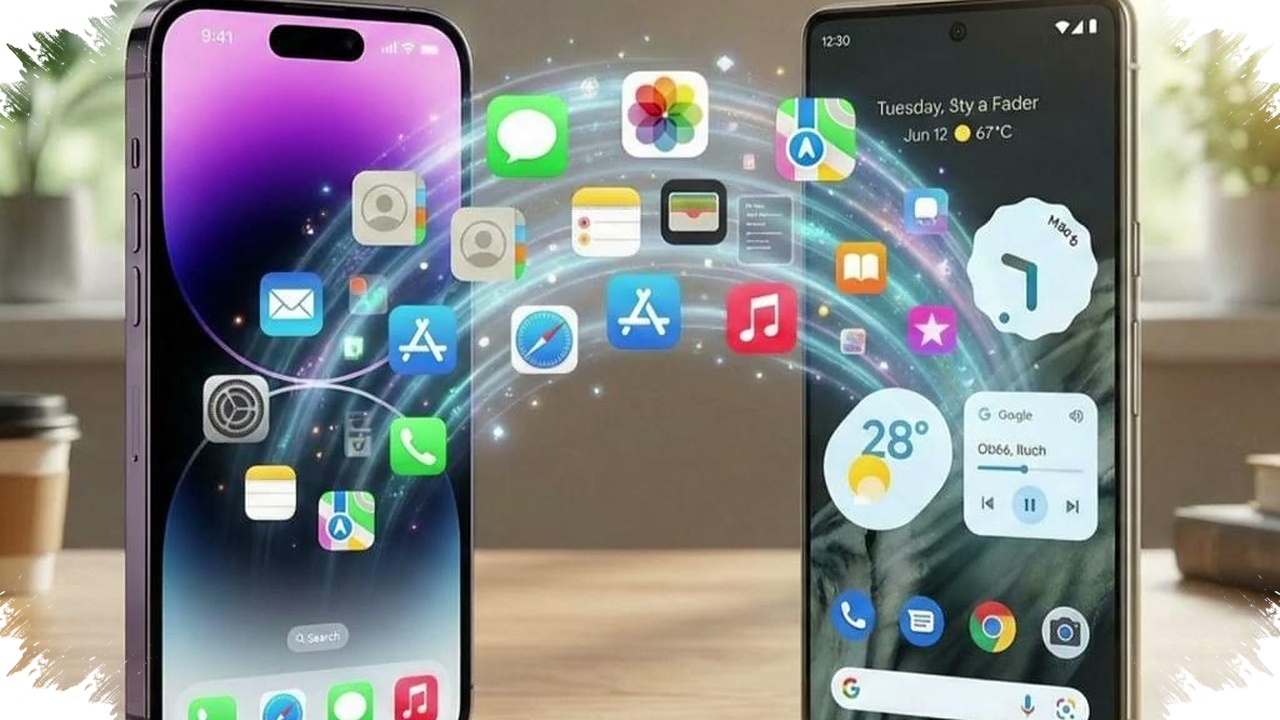
Google is preparing a new contact-sharing feature called Tap to Share, and it is shaping up to be one of Android’s most direct answers to Apple’s NameDrop. The feature aims to let users exchange contact details, photos, videos, links, and locations simply by bringing two phones close together.
The latest reports suggest that Google is already testing the feature inside newer Google Play Services builds. If it rolls out broadly, Tap to Share could become a system-level tool for many Android phones, not just a feature limited to one brand.
A direct rival to Apple NameDrop
Apple introduced NameDrop as part of its AirDrop experience, and it quickly became one of the most visible examples of simple, proximity-based sharing. Google now appears ready to offer a similar experience on Android, but with its own implementation across devices and manufacturers.
The core idea is simple and practical. Users unlock their phone, place the top edges of two devices near each other, and let the system detect the other handset through short-range wireless communication.
How Tap to Share works
Tap to Share uses a two-step connection process to keep sharing fast and efficient. NFC handles the initial handshake, then Bluetooth and Wi-Fi take over for the actual transfer, especially when users send larger files.
This design matters because it reduces friction while keeping data movement fast. Small contact cards can move quickly, while media such as photos and videos can be sent without needing a full manual pairing process.
What users can share
According to the reference report, Tap to Share is designed to handle more than just contacts. Google is preparing support for several common sharing needs that often happen during quick in-person meetings.
- Contact details
- Photos
- Videos
- Website links
- Location information
That broader scope makes Tap to Share more than a name exchange tool. It could become a general-purpose proximity sharing feature for everyday Android use.
Preview screen adds a safety layer
One of the most important parts of the feature is the preview screen. Before anything gets sent, users can review the information and choose exactly what they want to share.
That approach is important for privacy and control. It lowers the risk of oversharing and gives users a clear moment to confirm the transfer before the data leaves the device.
A visual glow effect also appears on the screen when the phones connect successfully. That small detail helps users know the transfer has started without needing to guess whether the devices are properly linked.
Why this matters for Android
Android has long offered many ways to share files, but the experience has often depended on the phone maker, app version, or specific ecosystem tools. Tap to Share could make that process feel more unified across brands.
The feature is also notable because Google seems to be building it as part of the broader Android framework rather than a one-off app. That means the rollout could reach a wide range of devices if manufacturers and software updates align.
Samsung may be preparing something similar
The reports also point to Samsung, which is said to be including a similar function in One UI 7. That is significant because Samsung remains one of the largest Android players, and strong support from its devices could help the feature gain momentum quickly.
If both Google and Samsung move in this direction, Android users may soon see a more consistent sharing experience across different phone brands. That would make tap-to-share interactions feel less fragmented than many current cross-device tools.
Why Google’s timing is important
The timing is also strategic. Apple has already made proximity sharing familiar to millions of users, so Google does not need to explain the concept from scratch. Instead, it needs to deliver a version that is easy to use, secure, and available across the Android ecosystem.
Search interest around Tap to Share is likely to grow as more users look for an Android equivalent to NameDrop. That comparison alone gives the feature strong discoverability, especially if Google launches it with broad device support.
What to watch next
Here are the main developments users should follow closely:
- Whether Google announces a public rollout date
- Which Android devices will support Tap to Share first
- Whether Samsung integrates the feature deeply into One UI 7
- How Google handles privacy permissions and user confirmation
- Whether the feature expands beyond contact sharing into richer media transfer
For now, Tap to Share looks like a serious step toward smoother Android sharing. If Google finishes the rollout as expected, Android users may soon be able to exchange information with a simple tap-like motion that feels fast, familiar, and built for everyday use.