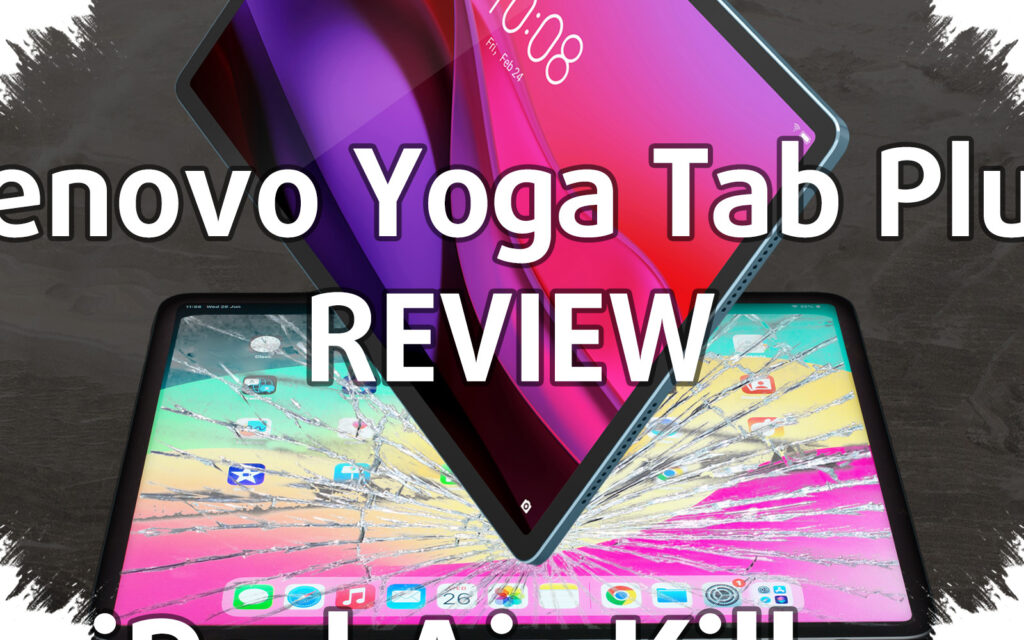
Lenovo is positioning the Yoga Tab as a mobile productivity tablet built for users who need speed, portability, and a more serious creative workflow. The device stands out because it combines a lightweight metal body with a high-refresh display, stylus support, an included keyboard, and a set of AI features designed for everyday tasks.
At 458 grams and 6.2 mm thin, the Yoga Tab is presented as the lightest tablet in its class in Indonesia. That positioning makes it especially relevant for users who move between meetings, workspaces, or public locations and still want a device that feels premium in hand.
A compact body built for mobility
The tablet uses an all-metal unibody design that gives it a solid and refined feel despite its slim profile. Lenovo appears to have focused on practicality here, aiming for a device that is easy to carry but still looks and feels like a premium product.
That balance is important for creative users who do not want a bulky device in their bag. The low weight and slim chassis make the Yoga Tab easier to bring along than many larger tablets, while still keeping the full tablet experience intact.
Display designed for detail and smooth motion
The 11.1-inch PureSight Pro display is one of the strongest points of the Yoga Tab. It offers 3.2K resolution, 340 ppi density, a 144Hz refresh rate, and a peak brightness of 800 nits.
This combination makes the panel suitable for work that depends on sharp visuals and fluid motion. Lenovo also adds Corning Gorilla Glass 7i with 0.4 mm protection, which gives the screen extra defense for users who often carry the tablet around.
Performance and software built for longer use
Inside, the Yoga Tab runs on the Snapdragon 8 Gen 3 Mobile Platform. The tablet also comes with Android 15 and is promised three major OS upgrades up to Android 18.
Lenovo further says security support will continue until August 2029. That long support window may appeal to buyers who want a tablet that remains usable and protected for years rather than a short-term device.
AI features aimed at real work
Lenovo places AI at the center of the Yoga Tab experience instead of treating it as a decorative add-on. One of the main tools is Lenovo Smart AI Input, which can be opened through the Smart Key on the keyboard or by typing “&&” to call Google Gemini.
The feature can help refine sentences, build paragraphs, and translate language directly inside the active app. That makes the tablet more useful for writing, light research, and drafting ideas while on the move.
Another notable function is AI Live Transcript, which uses Microsoft speech-to-text technology to record conversations in real time. The result is then organized into key-point summaries, making it practical for meetings, discussions, and quick note-taking.
Accessories that expand productivity
The package includes the Lenovo Tab Pen Pro and the Lenovo 2-in-1 Keyboard Pack. Together, they turn the Yoga Tab from a consumption device into a more complete production tool.
The Tab Pen Pro supports 8192 pressure levels, haptic feedback, TurboTouch for low latency, tilt detection, and palm rejection. It also has double-tap switching and press-and-glide functions for faster copy-paste actions.
The keyboard adds 1.3 mm key travel, a multi-gesture trackpad, and a Dedicated Smart Key for faster access to Lenovo Smart AI Input. Lenovo Smart Connect is part of the broader ecosystem as well, offering one-click file transfer, wireless screen extension, and smoother control across Lenovo devices.
Battery, connectivity, and launch offer
For power, the Yoga Tab uses an 8860 mAh silicon-carbon battery. Lenovo says this battery type can store large capacity in a compact form, helping preserve the tablet’s portable design.
The device also supports Wi-Fi 7 and LPDDR5x memory. At launch, Lenovo priced the Yoga Tab at Rp 10.999.000 and sold it exclusively through Blibli.com from 16 to 23 April 2026.
During that period, buyers could also claim a free Lenovo Yoga Bluetooth Mouse through Promotions.lenovo.com. Lenovo additionally bundled a 3-month Adobe Express Premium trial, a 3-month Adobe Photoshop Lightroom Premium trial, and one year of Accidental Damage Protection One, making the package more complete for creative work on the go.