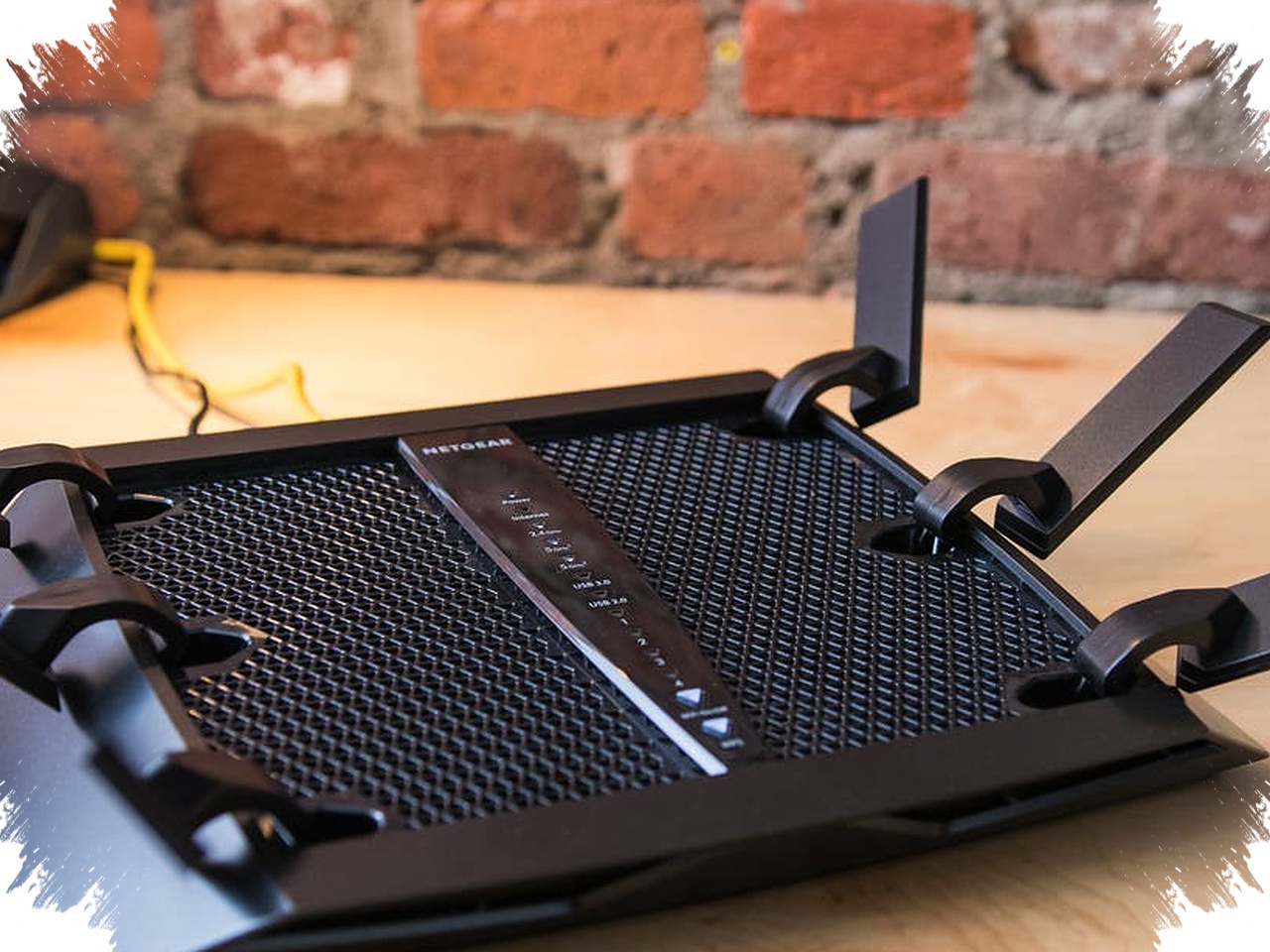
A home WiFi connection that suddenly slows down is not always a sign of trouble from the internet provider. In some cases, the real cause is a device that has quietly joined the network without permission and is using up bandwidth in the background.
When that happens, the router may still appear to work normally, but the connection is shared by more devices than expected. The result is slower browsing, weaker streaming performance, and a network that feels unstable even though the equipment itself is still powered on.
Why speeds can drop without warning


Internet speed at home is divided among every device connected to the router. The more devices that are active, the smaller the share each one receives, so performance can fall even when the line itself has not changed.
An unauthorized device is only one possible reason. Distance from the router, signal interference, older router hardware, or an internet package that is too small for household needs can also make WiFi feel slow. Because of that, sluggish internet should not be blamed on the provider right away.
Signs that another device may be using the network
One of the clearest warnings is a sudden and dramatic slowdown with no obvious cause. If the connection was previously stable and then starts lagging, the network should be checked for additional devices.
Another clue can come from the router’s indicator lights. If they keep blinking even when no one at home appears to be doing anything heavy online, that can suggest the network is under more activity than expected.
The list of connected devices may also reveal unfamiliar names. Frequent disconnections and unusually high data use can point to the same problem, especially if household habits have not changed but the internet quota is being consumed faster than usual.
How to check which devices are connected
A basic inspection can be done through the router’s admin page. The address often used is 192.168.1.1 or 192.168.0.1, and access requires the router’s username and password.
After logging in, users can open menus such as “Connected Devices” or “DHCP Client List.” These sections show active devices on the network, including device names and MAC addresses, which serve as unique identifiers for each device. If any entry looks unfamiliar, the connection deserves closer attention.
Apps such as Fing or WiFi Analyzer can also help identify connected devices and make the check easier. They are useful when the router interface is difficult to read or when a faster scan is needed.
What is at risk if the network stays open
The issue is not limited to slower internet. An unmonitored network can expose personal data, invite misuse of the connection, and even allow unauthorized access to devices inside the home.
There is also the risk of unknown activity taking place on the network without the owner’s awareness. At the same time, internet usage may climb outside normal patterns, which can lead to higher bills or faster data depletion.
Ways to secure a home WiFi network
Changing the WiFi password regularly is one of the most effective steps. A strong password should combine letters, numbers, and symbols so it is harder to guess.
Security should also use WPA3 or at least WPA2 encryption. Older systems such as WEP are weaker and are better avoided. If the router supports it, hiding the SSID can make the network less visible to outsiders.
More control can be added by limiting how many devices are allowed to connect and by enabling MAC Address Filtering, which lets only selected devices join the network. Router firmware also needs regular updates because they help maintain both security and stable performance.
Mistakes that often leave the door open
Many unauthorized connections start with habits that seem harmless. Sharing the password with too many people, using an easy-to-guess password, or never changing the original password after installation can make it easier for others to get in.
Those habits often feel practical because they save time. In reality, looser access control increases the chance that the WiFi network will be used without permission.
If the connection remains slow even after the password has been changed and unfamiliar devices have been removed, the router itself may no longer be able to handle demand well. Older devices can struggle with many simultaneous connections, so a dual-band router or a mesh WiFi system may be worth considering to keep the home network stable.