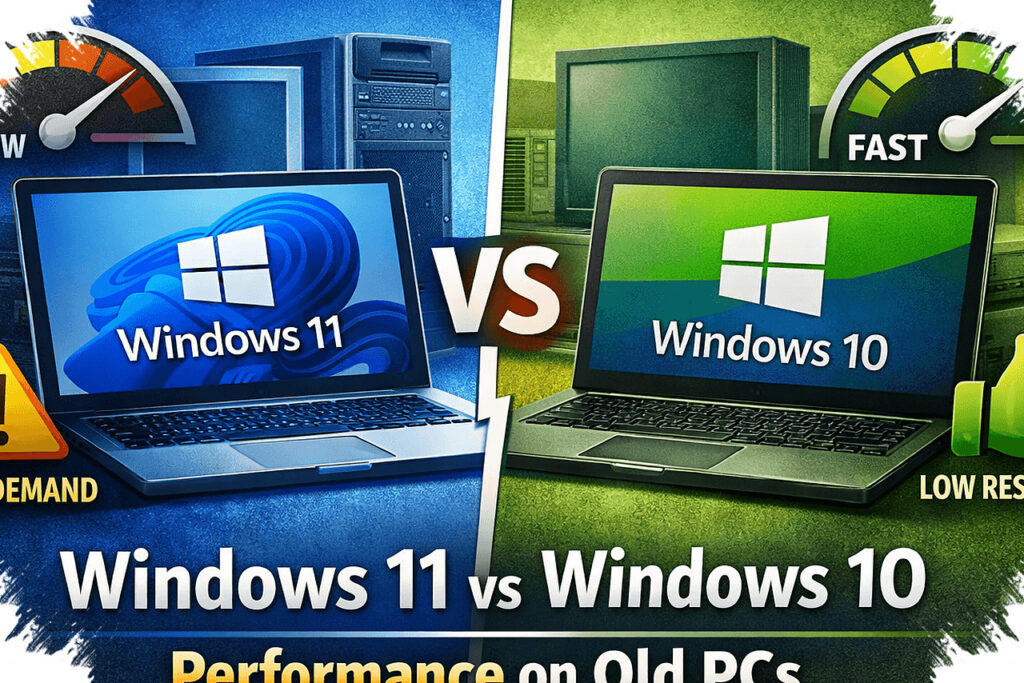
For older laptops that struggle with Windows’ heavier defaults, custom builds have become a practical way to keep systems responsive. These options strip away much of the bundled software and, in some cases, make it possible to install a newer-looking Windows experience on hardware that would otherwise feel left behind.
The appeal is not only speed. Some builds prioritize a familiar interface, while others focus on low resource use, easier installation, or broader support for older machines with limited RAM and storage.
Ghost Spectre for a very lean setup
Ghost Spectre is known for pushing system weight down as far as possible. It leaves out Windows apps that are not considered essential, which can reduce RAM use, free up storage, and improve overall responsiveness.
It also includes features such as Compact Integrated + LZX, Ghost Toolbox, Stock Drivers, and Ghost Custom Bootable. Two variants are available: Superlite, which is stripped down more aggressively, and Compact, which still keeps some important built-in apps.
AtlasOS emphasizes simplicity during installation
AtlasOS has gained attention as a lightweight Windows custom build with a large user base of 3.1 million worldwide. Its official positioning is aimed at enthusiasts and gamers who want an optimized system without bloatware.
The build is described as lightweight, low-latency, secure, and backed by an active community. Its setup flow is also presented as straightforward, using the official site, Disable Automatic Driver Installation, antivirus being turned off, AME Wizard Beta, AtlasPlaybook, and repeated Next clicks until the process finishes.
ReviOS keeps the look close to Windows
ReviOS is aimed at users who want something easy to install without a complicated technical process. Along with removing bloatware and improving performance, it is also presented as stable, secure, and suitable for gaming.
One of its main strengths is how close it looks to original Windows. It supports Windows 10 21H2 and 22H2, as well as Windows 11 23H2, 24H2, and 25H2.
Tiny11 targets older laptops with limited support
Tiny11 stands out as a useful option for older laptops that no longer receive Windows 11 updates. Pure Info Tech reports that it can be installed and run smoothly on devices that are no longer officially supported for Windows 11.
Its minimum requirements are also low, with installation possible on systems with 2 GB of RAM and 8 GB of storage. Tiny11 removes bloatware such as OneDrive, Office Hub, Edge, and Outlook, while keeping the look and function close to Windows 11.
Windows X-Lite offers multiple editions
Windows X-Lite comes in several choices, including Windows 11 Builds, Windows 10 Builds, Ultralight, and Special Edition Builds. Like Tiny11, it also gives older laptops and PCs a way to install Windows 11.
This build removes many components that can make a system feel heavy, including Windows Defender, UAC, Ads, Telemetry, Windows Ink Workspace, Hibernation, Power Throttling, BitLocker, and Cortana. The result is a system that is lighter, smoother, and easier to use.
Taken together, these five options show that custom Windows builds are not only about removing bloatware. They also let users choose between maximum performance, easier installation, familiar visuals, and support for aging hardware.
Source: www.idntimes.com