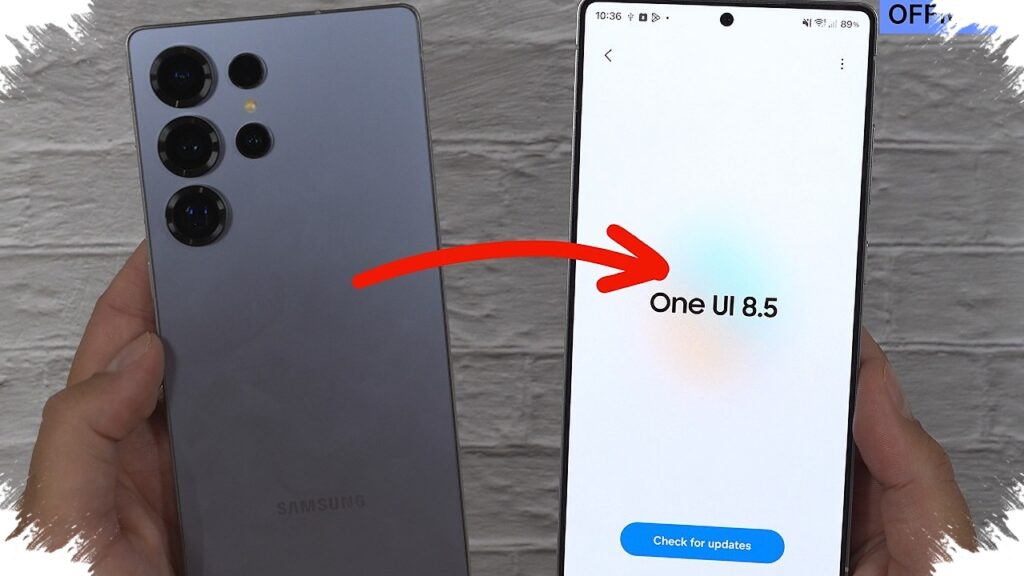
Samsung’s One UI 8.5 is shaping up to be more than a routine refresh. The update is built around a clear idea: give Galaxy users a phone that feels easier to shape, smarter in daily use, and more adaptable to personal habits.
The rollout began in South Korea on 6 May 2026 and is expected to expand to other regions gradually. Signs of a broader global release also strengthened during May 2026, which has pushed interest in the update higher among Galaxy users.
A new look that feels more alive
One of the most visible changes comes from the Liquid Glass design. Layered effects, blur, and depth make the interface look more dynamic, almost as if the screen elements are moving with the content.
Samsung also changed the navigation bar into a floating element with a semi-transparent panel. That visual style extends across core apps such as Settings, Dialer, Gallery, and Calculator, and it also reaches notifications, widgets, and the control center.
Quick Panel gets a much wider range of adjustments
The Quick Panel in One UI 8.5 gives users far more room to organize the layout. Toggles and widgets can be moved around to match individual habits, and their size can also be adjusted so the panel feels more comfortable to use.
Orientation settings can be changed as well, including the brightness and volume sliders. Users can even clear the panel for a more minimal appearance, then restore the default arrangement if the custom setup becomes too crowded.
Phone calls gain more intelligent screening
Samsung has added stronger AI support to call handling. The system can answer calls automatically from unknown numbers or suspected spam, then ask the caller for a reason while displaying a live transcript of the conversation.
This builds on Bixby Text Call, but with a more automated and intuitive approach. The update also includes an auto-answer option with a set delay, direct voicemail with real-time transcription, and missed-call alerts through Now Bar without needing to unlock the device.
Creative Studio turns AI into a content tool
One UI 8.5 also introduces a new app called Creative Studio as a hub for AI-based creation. Users can turn text, sketches, or photos into wallpapers, stickers, greeting cards, and profile cards in a short time.
The app supports several aspect ratios, including 16:9 and 4:3. It also offers visual styles such as Childhood Sketch, Marker Drawing, and Oil Painting, giving users more control over the final look.
File sharing becomes smoother across ecosystems
Samsung has also improved file sharing between devices, including Apple products. From Quick Settings, transfers to iPhone, iPad, and Mac are said to work faster without third-party apps.
Within the Galaxy ecosystem, My Files also becomes more seamless. Files from other devices can be opened as long as they use the same Samsung account, including photos and documents from another Galaxy tablet viewed directly.
Taken together, these five changes show a more mature direction for One UI 8.5. Samsung appears to be pushing for a fresher, more personal, and more practical experience in a single update package, with the biggest impact likely to show up in everyday phone use.
Source: www.idntimes.com