A desktop PC can look perfectly fine from the outside while quietly running under avoidable stress. One simple habit often makes the difference: placing the case directly on the floor.
That setup may seem convenient, but it can expose the system to more dust and higher temperatures than necessary. The issue is not always obvious right away, because the PC may still boot normally and games may still run, while airflow slowly becomes less effective.
Why the floor is a problem
Many modern desktop cases are designed with open airflow paths. The bottom area usually includes an intake for the power supply, and small feet underneath the case create space for air to move properly.
When the PC sits on the floor or on carpet, that path can become partially blocked or fully restricted. As a result, the power supply can run hotter, and heat inside the system can build up more easily.
Carpet adds another issue. Its surface can encourage static electricity, which attracts dust particles before they are pulled into fans, the GPU, or the processor. Floors also tend to collect dust, especially in homes with pets.
The damage is often gradual
Dust and restricted airflow do not only raise temperatures for a short period. Over time, they can place extra strain on important internal components.
The GPU and processor are among the most vulnerable parts because both depend heavily on stable cooling. When operating temperatures stay higher than they should, the system has to work harder to maintain performance.
That stress may not cause an immediate failure, but it can slowly shorten the usable life of the hardware. In many cases, the decline is first noticed only after temperatures rise or performance begins to feel less consistent.
There is also a physical risk
A PC on the floor is easier to bump accidentally. A misplaced foot or a small knock can tug on cables or create other forms of damage.
Keeping the case lower and out of sight also makes dust buildup easier to miss. Because of that, problems may go unnoticed until they become more difficult to manage.
Better places to put a desktop
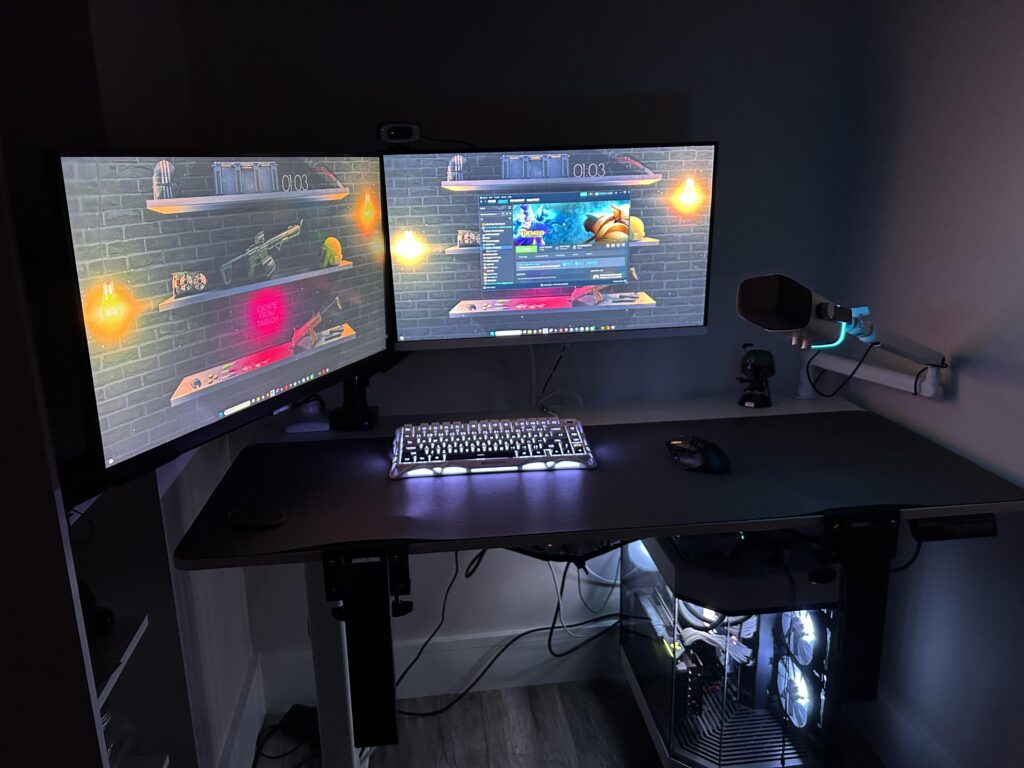
The safest option is to place the PC on the desk used every day. That position reduces direct contact with floor dust and makes it easier to monitor the interior of the case visually.
If there is not enough room on the desk, a PC stand can serve as an alternative. A wheeled stand can also lift the case higher and make it easier to move when the floor needs cleaning.
These options do not remove dust completely. Even so, a higher position helps slow down buildup compared with leaving the desktop directly on the floor.
Cleaning still matters
Raising the PC is only one part of the solution. Dust will still gather over time, so regular cleaning remains necessary to keep hardware in good condition.
Routine maintenance also helps prevent overheating before it becomes a larger problem. With better airflow, easier inspection, and less exposure to accidental bumps, this small change can help a desktop last longer.