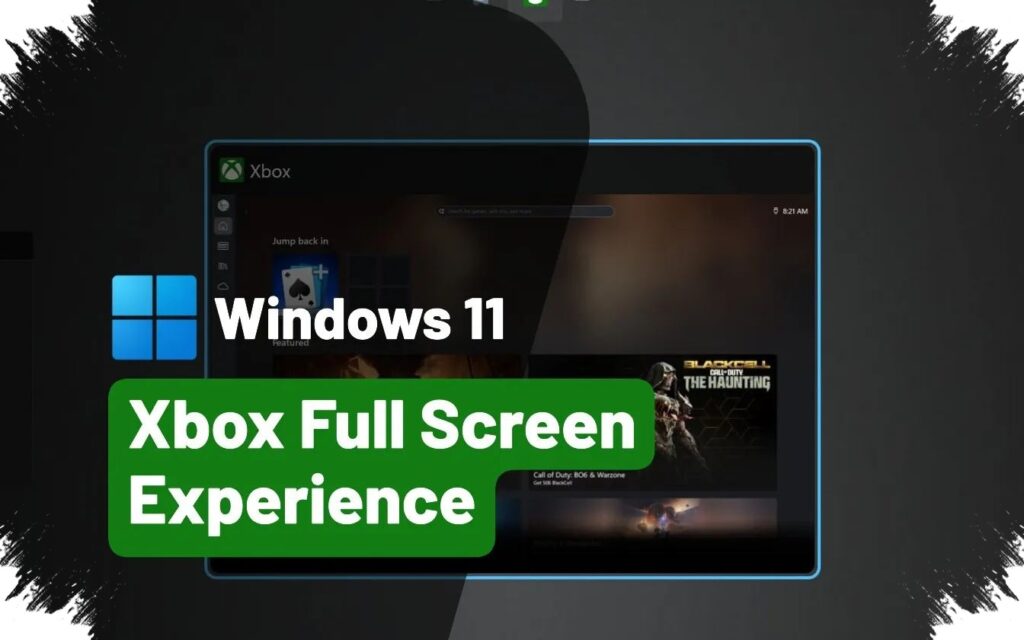
Microsoft is pushing Windows 11 closer to the Xbox experience with a new full-screen mode that hides the traditional desktop behind a console-style gaming interface. The feature is designed to make a PC feel more like a dedicated game machine, with quick access to installed titles, Game Pass, and cloud gaming.
The change is arriving through the optional KB5083631 preview update, which was released on 30 April. Once enabled, the mode replaces the usual desktop view with an interface that can be controlled entirely with a controller.
A console-like layer on top of Windows 11
Microsoft is positioning Xbox mode as a way to blur the line between a Windows PC and an Xbox console. The company wants the system to feel cleaner during play by reducing background activity and keeping notifications from getting in the way.
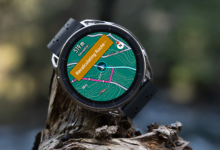
The experience is meant for a wide range of devices, including laptops, desktops, tablets, and handheld PCs. It resembles Game Mode in spirit, but adds a full dashboard styled around console navigation.
How users can turn it on
The mode can be activated from Settings > Gaming > Xbox mode. After that, it can also be opened at any time with the Windows + F11 shortcut.
Microsoft has also made the same access available through the Xbox app and Game Bar settings. That approach suggests the company wants the feature to stay easy to reach rather than buried deep inside the operating system.
Part of a wider Xbox and Windows strategy
Xbox mode is not being introduced as a standalone experiment. It is tied to a broader initiative called Project Helix, which is aimed at bringing the Xbox and Windows ecosystems closer together.
Before reaching the stable release channel, the feature had already been tested through Xbox Insider and Windows Insider programs since late 2025. The KB5083631 update is the first release to bring it to stable-channel users on Windows 11 24H2 and 25H2.
Early limitations still remain
The rollout is not yet completely smooth. Multi-monitor support still has issues, and a second display can sometimes go blank when the mode is enabled.
Microsoft has also noted instability around sleep and resume behavior on some setups. For that reason, the company recommends hibernation instead of standard sleep while the feature is still being introduced.
Even with those early problems, the combination of a full-screen interface, controller-based navigation, and direct access to Microsoft’s gaming services shows where Windows 11 is headed. The company is making the operating system feel less like a desktop environment at launch and more like a space built first for play.