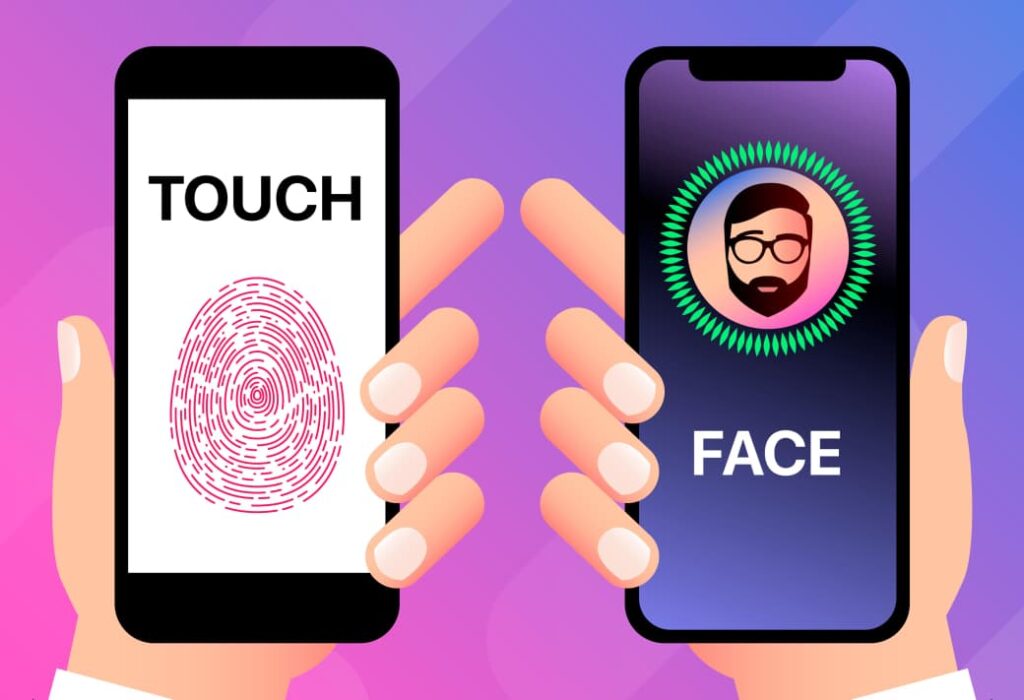
Face ID and Touch ID are two biometric authentication methods developed by Apple to unlock iPhones and protect user data. Both technologies serve the same fundamental purpose but differ significantly in design philosophy and user experience.
Touch ID is based on the idea that touch is the most natural interaction between humans and devices. It uses a fingerprint sensor embedded in the Home button or, on some iPads, the power button. The sensor reads the unique patterns of the fingerprint ridges and compares them to securely stored data on the device’s chip. This process is fast and intuitive, creating a highly personal sense of ownership for the user. The same finger used to press the button unlocks the device, making the action feel seamless and natural.
In contrast, Face ID embraces a more futuristic philosophy. Instead of relying on touch, it uses the TrueDepth camera system to scan the user’s face. The system projects thousands of infrared dots to create a detailed 3D map of facial features. This technology adapts to everyday changes such as hairstyles, facial hair growth, and the use of glasses. Because it requires no physical contact, Face ID offers advantages when the user’s hands are occupied or dirty.
Each method suits different scenarios. Touch ID performs better in situations where Face ID’s facial recognition may struggle, such as when wearing masks or when the phone is lying flat on a surface. Meanwhile, Face ID proves convenient when using the phone hands-free. According to user data, Face ID has a lower likelihood of being fooled due to its complex 3D mapping, while Touch ID’s fingerprint recognition can sometimes be bypassed more easily.
Security is a key factor distinguishing the two. Face ID’s facial mapping technology provides a higher level of security because reproducing a detailed 3D facial model is significantly harder than forging a fingerprint. Nevertheless, Touch ID can be quicker in some everyday conditions and does not depend on the angle or lighting as heavily as Face ID. Users report that Touch ID offers a tangible sense of control, while Face ID offers a smoother, almost invisible interaction.
However, Face ID faces limitations in certain environments. Masks, face coverings, and special sunglasses often prevent accurate recognition. Additionally, the phone must be held at a proper angle to the face; placing it on a table or at an awkward tilt may interrupt authentication. Extreme lighting, such as direct sunlight, also interferes with sensor accuracy. Some users feel that looking directly at the screen in public settings compromises privacy.
Touch ID has its shortcomings as well. It struggles when the user’s fingers are wet, oily, dirty, or even slightly injured. The physical button may suffer wear and tear over time. Furthermore, Touch ID’s presence can detract from modern bezel-less designs that favor larger, uninterrupted screens. In certain cases, transitioning to Face ID can feel faster because it authenticates the user automatically once the face is recognized.
Here is a simple comparison to highlight their key differences:
- Authentication Method: Touch ID uses fingerprint; Face ID uses facial recognition.
- Technology: Touch ID reads fingerprint ridges; Face ID maps 3D facial geometry.
- Speed: Touch ID is often quicker for hand-held use; Face ID unlocks automatically when the face is detected.
- Security: Face ID provides stronger protection against spoofing.
- Environmental Limitations: Touch ID fails with dirty or wet fingers, Face ID struggles with masks and lighting.
- User Interaction: Touch ID requires physical touch; Face ID works hands-free.
- Design Impact: Touch ID needs a button; Face ID supports full-screen design.
The evolution from Touch ID to Face ID reflects changing user habits and technological advancements. Apple continues to refine these systems with updates to improve accuracy and convenience.
Both biometric methods offer practical and secure solutions, but their effectiveness depends on personal preferences and contexts of use. Understanding their strengths and constraints helps users choose the authentication method that best fits their lifestyle.
Overall, while Face ID introduces a seamless, contactless way to interact with iPhones, Touch ID remains valuable for its reliability and simplicity in specific scenarios. Apple’s innovation in biometrics illustrates the balance between security and user convenience in smartphone technology.