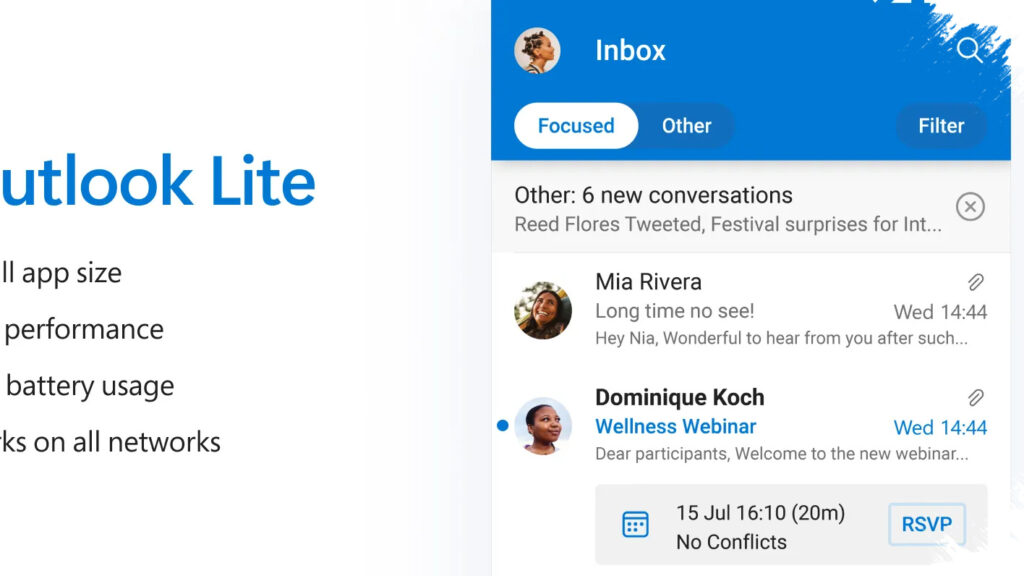
Microsoft is set to shut down Outlook Lite, the lightweight email app that many Android users relied on for faster access and lower device usage. Once the shutdown takes effect, inbox access through the app will no longer be available, and users will need to move to Outlook Mobile.
The change marks the end of Microsoft’s effort to offer a smaller, simplified version of its email experience on Android. According to reports cited from 9To5Google and Neowin, Outlook Lite will be removed from the Google Play Store on May 26, giving users limited time to switch before the app stops working.
What is changing for Android users
Outlook Lite launched about four years ago as a lighter alternative to the full Outlook app. It was designed for users who wanted a quicker install, lower storage use, and a simpler interface without needing the larger Android package.
That convenience came with trade-offs. Outlook Lite offered fewer features than Outlook Mobile, and Microsoft now wants users on the full version to maintain a more secure and consistent email experience across Android and iOS.
What happens after the shutdown
After the end-of-May cutoff, Outlook Lite users will no longer be able to open their mailbox inside the app. Microsoft’s move means the app will stop providing access, which could leave users locked out of email if they do not migrate in time.
Neowin reported that the impact may be limited because Microsoft already stopped new downloads of Outlook Lite on October 6, 2025. Even so, anyone still using the app on an existing device should move quickly to avoid losing access when support fully ends.
Why Microsoft is pushing Outlook Mobile
Microsoft is directing users to Outlook Mobile, the company’s main app for Android and iPhone. The company says this version delivers a “secure and rich” email experience, with broader support and ongoing updates.
The shift also gives Microsoft a clearer product strategy. Rather than maintaining two apps with overlapping functions, the company appears to be consolidating users into one main platform that can receive stronger security improvements, more features, and closer integration across devices.
How to move from Outlook Lite to Outlook Mobile
The transition is straightforward, but it should be done before the shutdown date. Android users can install Outlook Mobile directly from Google Play Store and sign in using the same Microsoft account used on Outlook Lite.
- Open Google Play Store and search for Outlook Mobile.
- Install the app from Microsoft.
- Sign in with the same account used in Outlook Lite.
- Check that email, calendar, and contacts sync correctly.
- Remove Outlook Lite only after confirming all data and access have moved.
Microsoft also offers an Upgrade option inside Outlook Lite, which redirects users to the Play Store listing for the newer app. This makes the migration easier for users who open the old app before it is fully retired.
What users should check before switching
Users who manage multiple email accounts should verify each one after installation, since account settings can affect how messages sync. Notification settings, calendar permissions, and contact access should also be reviewed to make sure the new setup works as expected.
The move is especially important for those who depend on email for work or personal communication. A delayed migration could lead to missed messages if the Lite app becomes unusable before the new app is installed and configured.
Microsoft’s decision to end Outlook Lite shows a broader trend in mobile software: lighter standalone apps are often replaced by a single full-featured version that can support security updates, cloud sync, and long-term maintenance more efficiently. For Android users still on Outlook Lite, the safest path is to switch early and confirm that all mail access is fully restored in Outlook Mobile.