


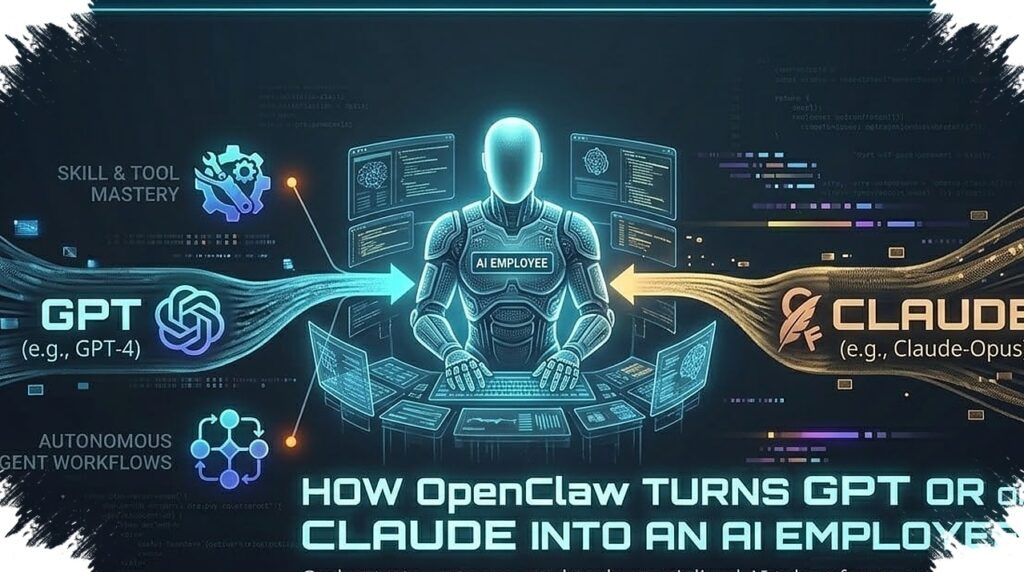
OpenClaw is drawing attention because it moves beyond the usual chatbot role of answering questions. The platform is designed to help users complete real tasks and automate workflows directly from chat, making it function more like an active assistant than a passive text generator.
That shift matters because many AI tools still stop at suggestions, summaries, or draft writing. OpenClaw is positioned to act on requests and connect with the services people already use, which expands its role into day-to-day operations.
From conversation to execution
The main difference lies in how OpenClaw links AI analysis with practical action. Reference material about the platform describes support for repetitive work such as scheduling, data summarization, and monitoring content updates.
Instead of only replying to prompts, OpenClaw can operate behind the scenes and help run routine processes. It is also built to connect with real systems, which makes its use case broader than tools known mainly for generating responses, such as ChatGPT or Google Gemini.
Some of the examples cited are specific. OpenClaw can monitor YouTube channels and summarize updates, automate schedules and reminders, and connect with Trello to support project management.
No-code setup and broad integrations
One reason OpenClaw stands out is its no-code approach. Users do not need to build a system from scratch to create an AI assistant that works automatically in the background.
The platform supports integration with popular messaging apps such as Telegram, WhatsApp, and Signal. That makes it easier to use because interaction can happen through a familiar chat interface that feels light and practical for everyday work.
OpenClaw can also connect to APIs and third-party services. This opens the door to more use cases, including email monitoring and content updates, as well as summaries pulled from trusted sources.
For productivity, the biggest advantage comes from reducing manual work. Repetitive and time-consuming tasks can be handed over to automation, leaving more room for strategic work that needs human judgment.
Fast setup with managed hosting
The reference material also points to a relatively simple startup process. OpenClaw can reportedly be set up in minutes, with a chatbot interface created first and then placed on managed hosting.
The basic flow starts with building a chatbot in Telegram, WhatsApp, or Signal as the entry point for interaction. After that, OpenClaw can run through a managed hosting provider such as Hostinger for more secure and stable operation.
AI credits are also mentioned as part of the process. They are used to support integration with AI providers and external tools so the automation can keep running smoothly.
For non-technical users, the no-code model lowers the barrier to entry. It removes much of the need to write code or handle backend infrastructure manually.
Security still needs tight control
OpenClaw may offer a wider set of functions, but it also carries greater risk if it is configured poorly. The more access granted to files, APIs, or other services, the greater the chance of problems when permissions are not managed carefully.
The reference highlights three core risks: data exposure, unintended actions, and weaknesses from third-party integrations. A mistake in permission settings could expose sensitive files, while incorrect task rules may disrupt workflows.
That is why OpenClaw cannot simply be installed and left alone. The platform needs to run in a secure environment, access rights should be limited to what is necessary, and configurations should be reviewed regularly.
Managed hosting is described as one way to reduce that burden. It helps separate OpenClaw from personal files and apps, while also making the system more reliable because it does not depend on the state of the user’s own device.
Best suited for routine tasks with clear limits
OpenClaw appears most useful for work that is repetitive, measurable, and easy to verify. The reference material points to research and data summarization, content monitoring, scheduling automation, and plugin integration as suitable examples.
In practice, that means the platform can collect information from trusted sources and condense the main findings. The same system can also watch for content updates on selected platforms without requiring constant manual checks.
There is still a trade-off. Isolated environments improve security, but they can also limit direct access to local files or applications, and background tasks still need monitoring to keep results accurate and efficient.
That balance explains why OpenClaw is being seen as an AI that is no longer passive. It pushes the user experience from simple conversation toward real task automation, as long as permission control, regular oversight, and the chosen integrations are handled with discipline.