


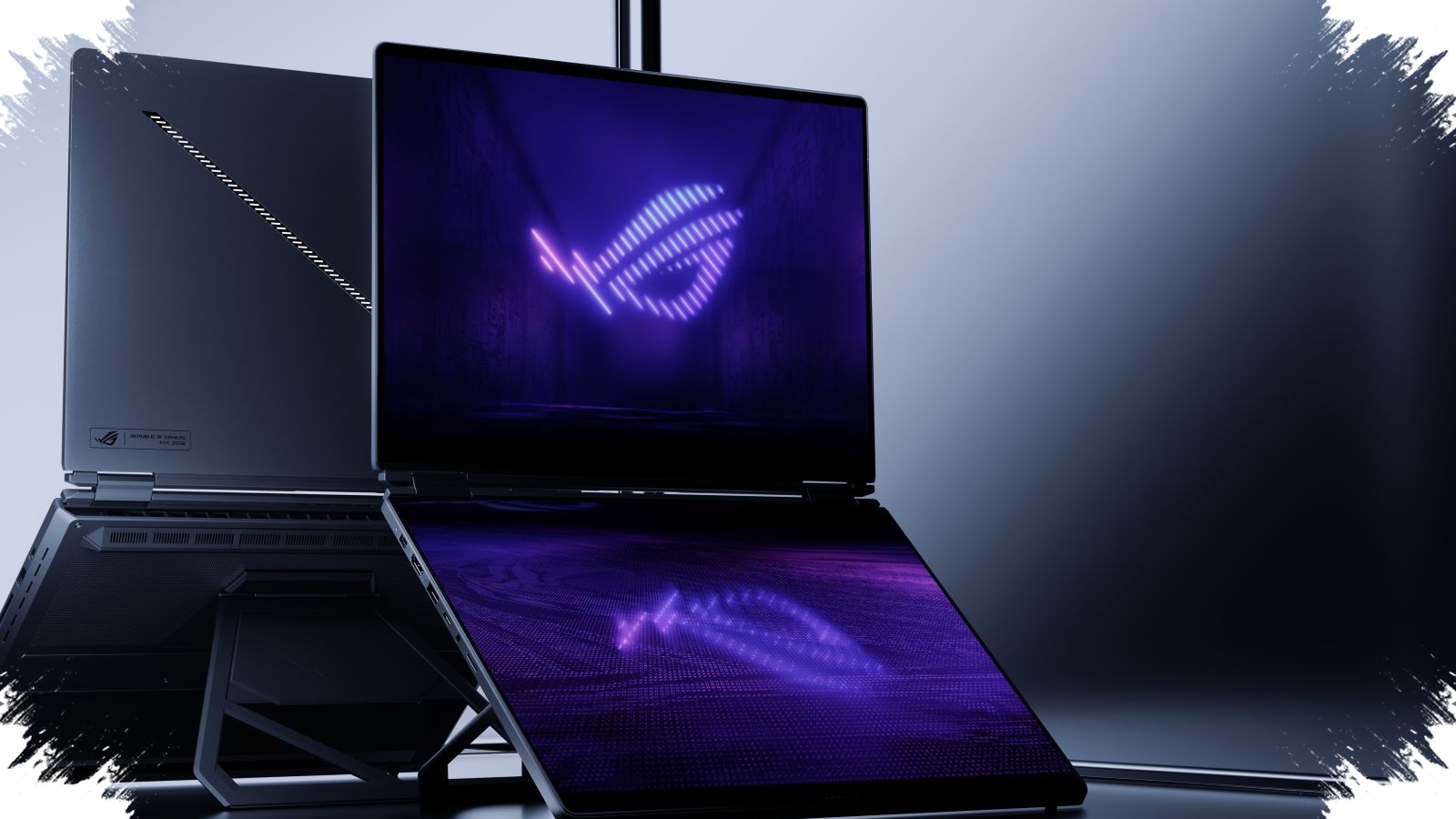
ASUS is pushing its dual-screen laptop idea further with the ZenBook Duo 2026, and the result is a device aimed squarely at professionals who need more room to move between tasks. The appeal is not only the unusual design, but also the way it changes daily workflow by treating both displays as core working surfaces rather than a main screen plus a secondary add-on.
That shift matters because modern work often demands constant switching between apps, references, timelines, and tools. The ZenBook Duo addresses that problem with a setup built for multitasking, especially for users who want a cleaner and more efficient way to handle several jobs at once.
Two OLED screens built for real work
The latest ZenBook Duo continues the line’s role as one of the early dual-screen laptops, but the 2026 version refines the formula with two 14-inch OLED panels at up to 3K resolution. ASUS designed the second screen to do more than show notifications or simple extras.
It can open another application, display an editing timeline, or keep reference material visible while the main display stays focused on the primary task. That arrangement reduces the need to constantly switch windows, which can slow work down when several tools are in use at the same time.
For video editing, the setup becomes especially practical. The main screen can handle preview and content processing, while the second screen can show the timeline, control panels, or supporting material at the same time.
Premium hardware to match the concept
ASUS does not rely on design alone to position the ZenBook Duo 2026 as a serious productivity machine. The laptop uses Intel Core Ultra processors with AI support, which helps make it better suited for demanding workloads and emerging AI-based computing tasks.
The device also comes with up to 32GB of RAM and fast SSD storage. Those specifications reinforce its place in the premium category and give it the foundation needed for smoother performance in professional work.
Why OLED matters here
The OLED panels are one of the strongest selling points of the ZenBook Duo. ASUS is clearly targeting users who need strong color accuracy for visually precise work.
That makes the laptop relevant for graphic designers, photographers, and videographers. Accurate color helps during editing, correction, and final review, while the high brightness and smoother refresh rate add comfort both for work and for viewing content.
With two high-resolution 14-inch OLED displays, the ZenBook Duo keeps its identity as a premium device that offers more than a standard laptop form factor. The dual-screen layout is not just distinctive; it also brings practical benefits to everyday use.
Flexible modes give it a different kind of versatility
Another advantage is the way the ZenBook Duo adapts to different working styles. It can be used in several modes, including a conventional laptop mode, full dual-screen mode, and tablet mode.
That flexibility allows users to match the device to the task at hand. It still works like a traditional laptop when normal typing is needed, but it can switch into a fuller dual-screen setup when both displays are required.
The latest model also adds a detachable keyboard, which increases freedom in how the device is positioned during work. Features like this are uncommon in ordinary laptops, and they help explain why the ZenBook Duo occupies a separate space in the market.
Premium pricing comes with clear trade-offs
The strongest drawback is price. In Indonesia, ZenBook Duo pricing varies depending on generation and specification.
Older models such as the UX481 can still be found in the used market at around Rp5 million to Rp10 million. The mid-range UX482 sits in the Rp18 million to Rp27 million range. The latest high-spec version is sold at around Rp40 million to Rp50 million.
There are also practical limits to keep in mind. The ZenBook Duo is not aimed at heavy gaming, especially because of graphics-related constraints. Users also need some time to adjust to the dual-screen concept before its workflow advantages feel natural.
Once that learning curve is past, the setup can offer a more efficient way to divide work across two displays, which is exactly where the ZenBook Duo 2026 aims to stand out.