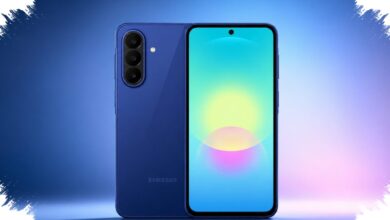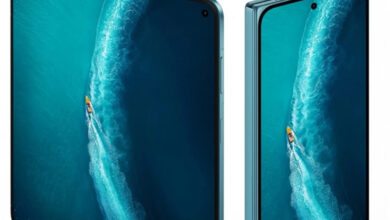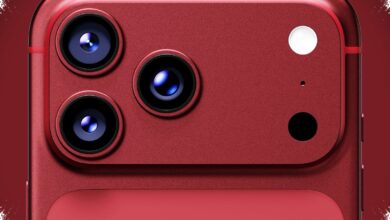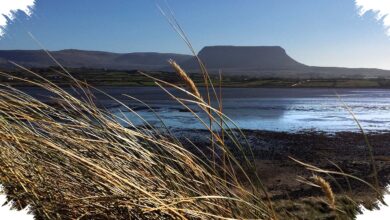
Android phones are now capable of capturing landscapes with far more precision than many users realize. Features such as ultrawide, HDR, night mode, and pro mode have made it easier to produce sharp and visually strong scenery photos without relying on expensive equipment.
In practice, the final result often depends less on the device price and more on how well the camera features are used. Light direction, framing, and the choice of angle can change a landscape photo far more than many users expect.
1. Use ultrawide when the scene needs more space
Ultrawide is one of the most useful tools for landscape photography because it expands the field of view significantly. With a viewing angle that can reach around 120 degrees, it allows more of a mountain range, beach, or rice field to fit into the frame.
Lower zoom settings such as 0.5x or 0.6x can create a more dramatic sense of scale and space. This is especially effective when the main subject sits in the center of the landscape and the scene needs a broader visual context.
2. Let HDR handle bright skies and dark shadows
Landscape scenes often contain uneven light, and HDR helps balance that contrast by combining multiple exposures into a single image. The result is a photo where overly bright areas and deep shadows are both kept under better control.
This feature is especially helpful during sunrise and sunset, when lighting can change quickly. It also works well when the sun is behind the subject, since HDR can preserve color while retaining important detail.
3. Light still decides the quality
A strong camera specification does not automatically produce a strong landscape photo. Understanding light remains the most important factor, especially when the scene changes quickly and exposure needs to stay clean and clear.
Sunrise and sunset often deliver the best balance when natural light is paired with HDR. A well-chosen shooting angle also helps the scene feel deeper and more spacious inside the frame.
4. Other built-in tools can expand what the phone can do
Many Android phones also include night mode and pro mode as standard features. Night mode becomes useful when light begins to fade, while pro mode gives users more control over camera settings in the field.
Together, these tools make Android phones more flexible for landscape shooting without requiring extra accessories. The key is not just having the features, but knowing how to match them to the conditions in front of the camera.
That is why landscape photography on Android is increasingly about technique, timing, and feature selection rather than pure hardware numbers. When those elements come together, even a regular phone can capture scenery in a way that feels far more polished and compelling.